

POS system vs WhatsApp ordering: which does your café need?
Last updated:
Owners often hear that a serious café needs a POS system, and also that half their customers would rather just send a WhatsApp message. Both are true, for different jobs. This guide puts them side by side, so you can tell which one your business needs now, and when it's time for the other.
In this guide
Two tools for two different jobs
A POS (point of sale) system is the till of a modern business. It records every sale, takes payment by card or cash, prints a receipt and adds everything up into reports. Most also send orders to the kitchen, keep track of stock and give each member of staff their own login.
WhatsApp ordering is much simpler. The customer looks at your menu, chooses what they want and sends you the order as a message. You reply, confirm the details and agree how they'll pay and collect. There's no hardware, and nothing new for the customer to learn, because they already use WhatsApp every day.
So the real question isn't which one is better. It's where your orders come from, and how many of them you handle at once.
How an order flows in each
Follow one order through each, and the difference is clear.
- With a POS: the guest orders at the counter or from a waiter, staff tap the items into the till, the kitchen gets a printed ticket or a screen, the guest pays, and the sale lands in the day's report.
- With WhatsApp: the customer browses your menu on their phone and sends the order to your number. You confirm it in the chat and prepare it, and they collect it or you arrange delivery. Payment happens however you agree: cash or card on collection, or a bank transfer.
Side by side
Here is how they compare on the things owners ask about most.
- Setup: a POS needs hardware (a till or tablet, usually a card terminal and a receipt printer), your menu entered into it and staff trained to use it. WhatsApp ordering needs a menu customers can read on a phone and a number that receives the orders.
- Cost: POS systems usually charge a monthly subscription, often per device or per branch, on top of the hardware. Card payments carry processing fees whichever system takes them. The WhatsApp Business app is free; the real cost is the time you spend answering messages.
- Payment: a POS takes payment on the spot. WhatsApp ordering takes none, so you collect it on pickup, on delivery or by transfer.
- Speed: a POS is built for a queue at the counter. WhatsApp suits orders that arrive ahead of time.
- Records: a POS records every sale automatically. With WhatsApp, the record is the chat, unless your menu tool keeps a log of the orders it sends.
- Tax invoices: where e-invoicing rules apply, as they do in Saudi Arabia, VAT-registered businesses must issue invoices from a compliant system, which is a POS's job. A chat message isn't a tax invoice.
- The customer: WhatsApp gives you a direct conversation with each customer, with their number and past orders in one place. A POS sees a card or a cash sale.
What about ordering from the table?
Some guests expect to scan a code at the table, order and pay without waiting for a waiter. That is a job for a POS, or an ordering platform connected to one: the order has to reach the kitchen with a table number and be paid for before the guest leaves. Some menu tools now include it too, with a simple board for the kitchen and payment at the counter.
WhatsApp isn't built for that. It works best for orders placed before the customer arrives, or from home. At the table, the QR code's job is to show a clear menu; the waiter or the counter takes it from there.
When WhatsApp ordering is enough
WhatsApp ordering fits businesses where orders arrive one at a time, often ahead of time, and where a conversation is part of the sale.
- Home kitchens and bakers selling from home or through Instagram.
- Made-to-order cakes, gift boxes and catering, which need a date and some details.
- Small cafés whose pickup and delivery orders already come in by message.
- New businesses testing a menu before investing in hardware.
- Food trucks, pop-ups and seasonal stalls.
When you need a POS
A POS earns its cost when volume and speed matter more than conversation.
- A busy counter with a queue at peak times.
- Dine-in service, with tables, waiters and a kitchen that works from tickets.
- More than a couple of staff handling orders and money.
- Several branches you want to run and compare in one place.
- A duty to issue compliant tax invoices, or a need for careful stock control.
Many businesses use both
These tools compete less than it seems. A café can run a POS at the counter for walk-in guests and still take pickup orders and cake pre-orders on WhatsApp. Once a WhatsApp order is confirmed and paid, staff ring it into the till like any other sale, so it still shows up in the reports.
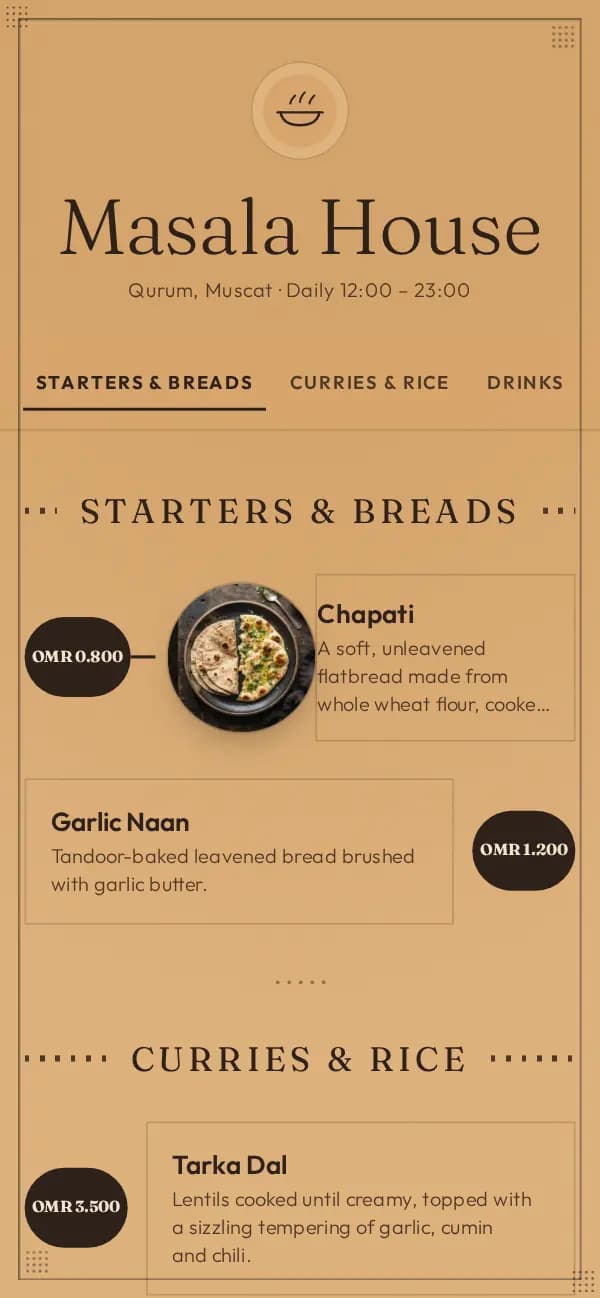
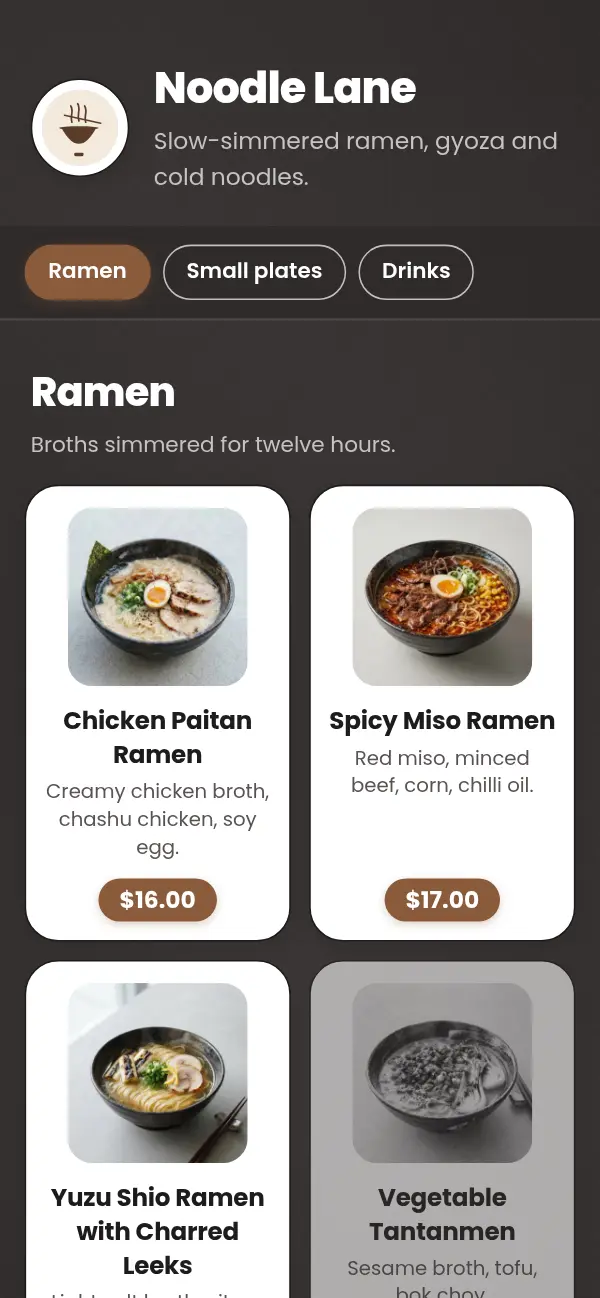
What both need is the same thing: a menu people can read on their phone. The guest at the table scans a QR code. The follower on Instagram taps the link in your bio. The customer about to order on WhatsApp wants to see dishes, sizes and prices before they write. One menu at one link can do all three.
A simple way to decide
Ask yourself three questions.
- Where do most of your orders start: at the counter, at the table or in a message? Counter and table point to a POS; messages point to WhatsApp.
- How many orders arrive together at your busiest hour? If you can't answer every message within a few minutes, a chat on its own will slow you down.
- What do you have to record? If you must issue tax invoices or count stock, you need a system made for that.
If you're not sure, start simple
If you're just starting out, you don't have to decide everything now. Begin with a good menu at its own link and take orders by message. When the queue grows, or your accountant asks for more, add a POS at the counter.
Choose a menu link that will outlast that change. Your QR codes, your bio link and the menu your regulars have saved should keep working whichever till you end up using.
One menu for the counter, the table and WhatsApp
With Craftel your menu goes live in a designed template at its own link, with a QR code for your tables and a link for your bio. Turn on WhatsApp ordering and customers send their order straight from the menu, for pickup or delivery; turn on table ordering and guests order from their table's QR code onto a live board. Use it next to your POS, or close bills with Craftel's own simple POS and printed receipts. Free for 14 days.