

Menu making software that puts your menu online
Most menu software either helps you design a file to print, or runs your whole till. Craftel does the part in between: a designed menu that lives at your own link, opens from a QR code on the table and from your bio, and changes the moment you save. It runs in your browser, so there's nothing to install.
14 days free. No card needed.
How it works
- 1
Sign up and name your link
Pick your venue's address, like craftel.app/m/yourcafe. It's the link your QR codes and your bio will use.
- 2
Pick a designed menu
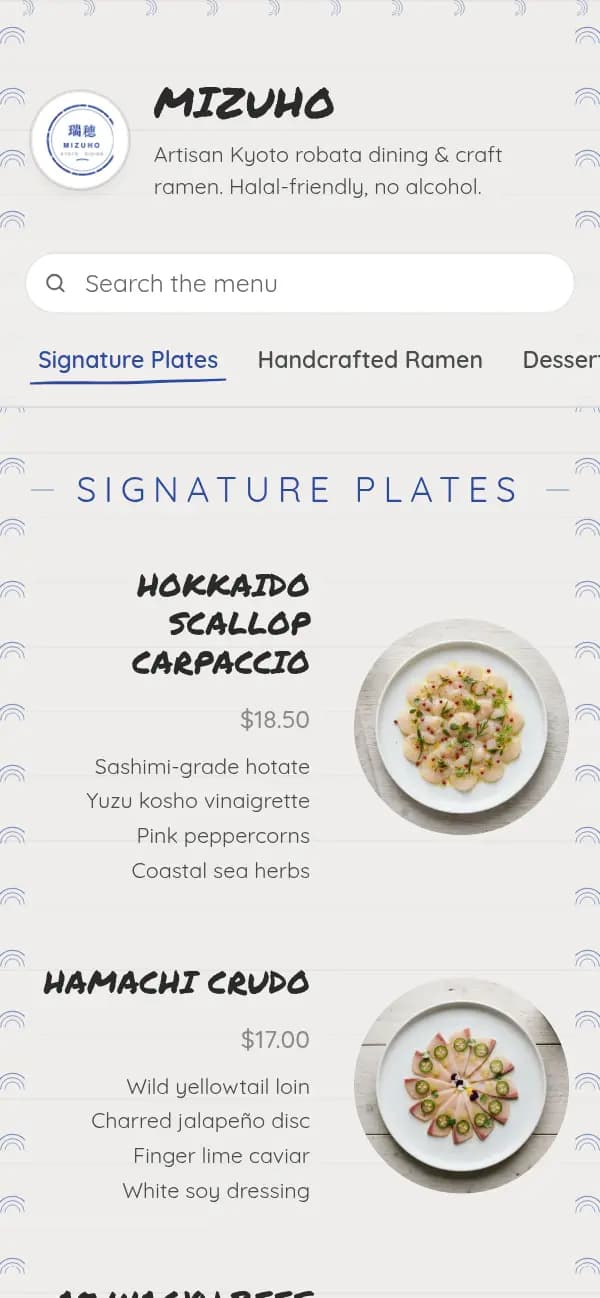
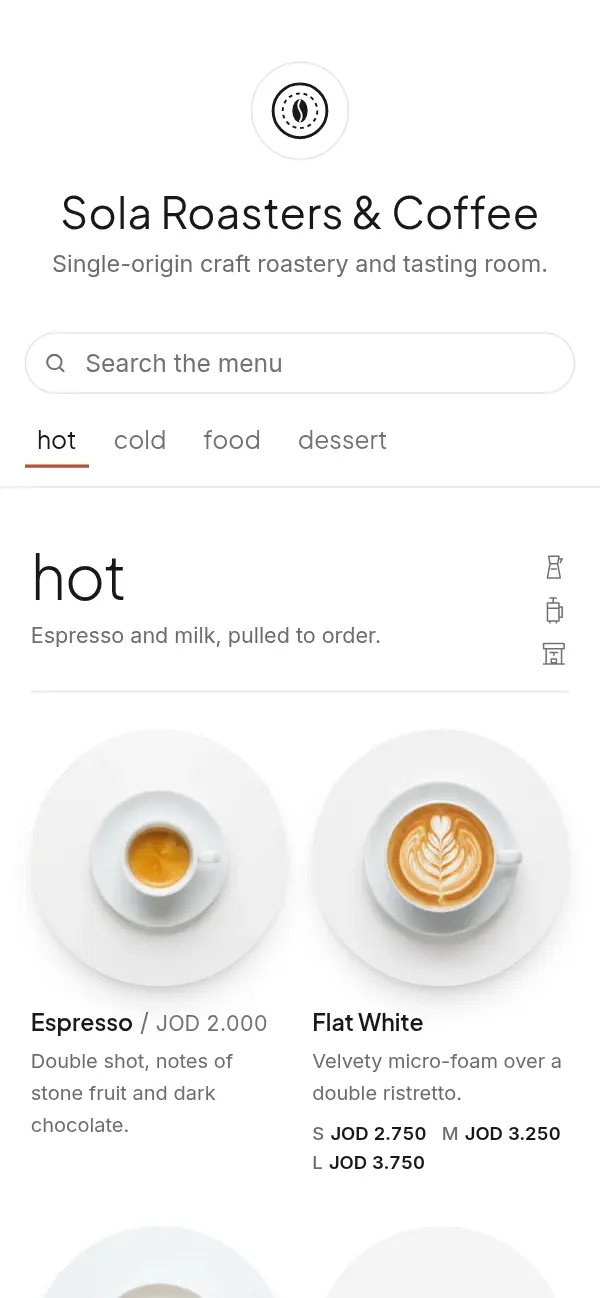
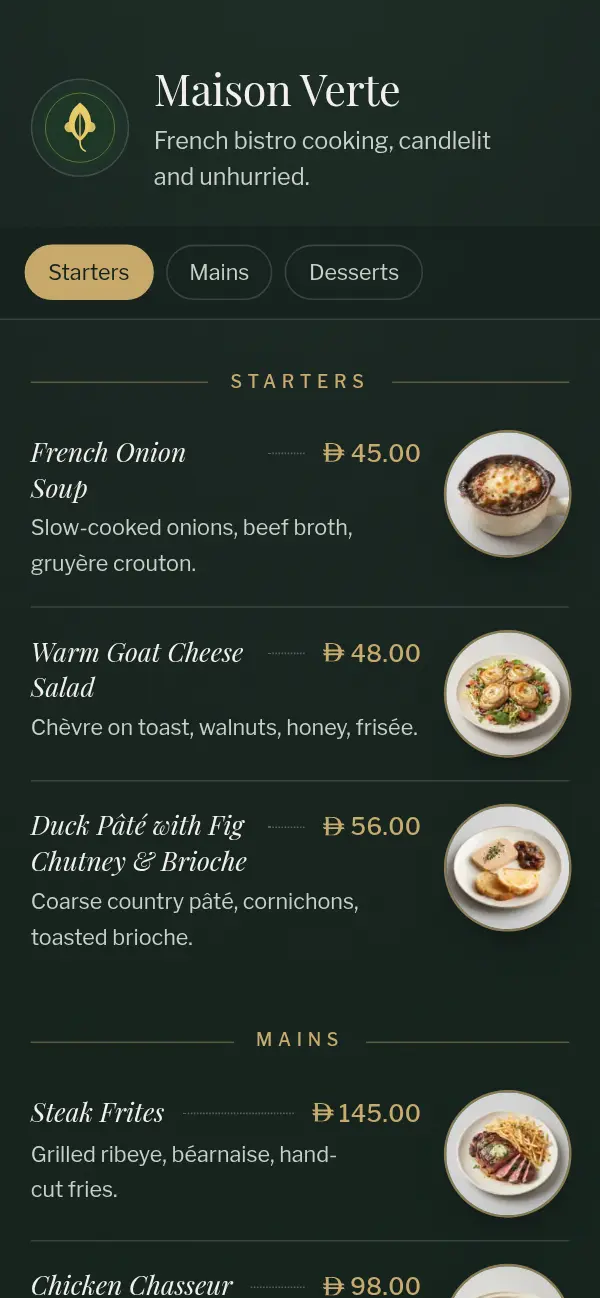
Each design was made for a real kind of venue. Your dishes take its shape, and you can switch designs later without retyping anything.
- 3
Add sections, dishes and prices
From your phone or a laptop. Sizes and options get their own prices, in your currency.
- 4
Print the QR code and share the link
PNG, SVG or a print-ready table tent. The same link goes in your Instagram bio, WhatsApp replies and Google Maps listing.
Three kinds of menu software
Search for menu making software and you'll find three kinds of tool. They solve different problems, so it helps to know which one you need before comparing prices.
- Design apps, such as Canva or Adobe Express: good for a printed menu or a poster. The result is a file, so every price change means editing and exporting again, and a PDF is hard to read on a phone.
- Point-of-sale and ordering systems: they run the till, payments, the kitchen and stock. Many include a menu, but you pay for and learn the whole system to get it.
- Online menu tools, like Craftel: the menu itself, made for phones, at a link that doesn't change, with no file to re-export. Some, Craftel included, now add table ordering and a simple POS without the hardware or the contract.
What to check before you choose
Whichever tool you try, these questions sort them out quickly:
- Does the menu open on a guest's phone without an app or a download?
- Can you change a price yourself, and does the change show straight away?
- Does the QR code stay the same when the menu changes?
- Does it handle your languages properly, including Arabic right to left?
- Does it write your currency correctly, with the right number of decimals?
- Does it still look finished before you have photos?
- What does it cost after the trial, and what happens to your menu if you stop?
Where Craftel fits, and where it doesn't
Craftel answers yes to the first six questions; the last one is answered under What it costs, below. Every design comes with its type, spacing and colours already worked out, in Arabic as carefully as in English, and you adjust only what should be yours: your logo, a cover photo, an accent colour, light or dark.
It comes with a simple POS: guests order from their table's QR code onto a live board, staff add counter orders, and you close each bill with a numbered, printed receipt and a daily summary. It isn't a full till system: it doesn't process card payments, count stock or issue tax invoices, and it doesn't connect to another POS, so if you already run one, the menu works next to it. It doesn't make full paper menus either; what you print is the QR code or a table tent. Pickup and delivery orders can go to your WhatsApp.
Why owners use Craftel as their menu software
Nothing to install
It runs in the browser on your phone, tablet or laptop. Guests don't install anything either.
Edits go live when you save
New prices, a sold-out dish or a seasonal special show on the next scan. No reprinting, no new QR codes.
Arabic and English, as equals
One menu in either language or both, with Arabic set right to left in its own typeface.
One link for tables and bio
The same menu opens from the QR code in the room and from your Instagram, TikTok or WhatsApp.
What it costs
Free for the first 14 days, with every design and no card needed. After that it's $12 a month or $99 a year for one venue's menu, with your link, QR codes and table tents included. If your plan ends, the menu goes offline for guests and we keep it for 30 days; come back in that time and the same link and QR codes work again.
See pricingQuestions about menu software
Do I need to download any software?
No. Craftel runs in your web browser on a phone, tablet or computer. Guests don't download anything either: the menu opens from a QR code or a link.
Is there free menu making software?
Craftel is free for the first 14 days, with every design. After that it's $12 a month. The QR code generator for an existing menu link is free, with no sign-up.
Does Craftel connect to my POS?
No, it doesn't sync with another till. If you keep yours, the menu works next to it; change prices in both, from your phone. If you don't have one, Craftel's own simple POS covers table orders, bills and receipts.
Can I bring my menu over from a PDF or Canva?
There's no automatic import yet. You type your sections and dishes once; after that, every change is a quick edit.
Can I use it for more than one venue?
Each venue has its own menu, link and plan, so a second branch or a second brand gets its own.