

5 reasons WhatsApp ordering is better than a POS system
Last updated:
A POS system is the right tool for a busy counter. But plenty of food businesses don't have a busy counter: they have a phone that buzzes with orders. For them, taking orders on WhatsApp isn't a stopgap. Here are five reasons it can be the better choice, and the cases where it isn't.
In this guide
1. Your customers already know how to use it
Every new ordering system asks customers to learn something: an app to download, an account to create, a checkout to work out. WhatsApp asks for nothing. Across the Gulf and far beyond, it's where people already message their family, their friends and the shops they buy from.
That matters most for customers who have little patience for technology. They read your menu, choose and send a message in the same app they used five minutes ago. Fewer steps mean fewer orders given up halfway.
2. Nothing to buy, install or train
A POS usually means a monthly subscription, a till or tablet, often a card terminal and a receipt printer, and time spent entering your menu and training staff. If something stops working on a busy evening, you're on the phone with support.
WhatsApp ordering needs a phone you already own and a menu customers can open. A home baker can start today. A café can try it for pickup orders without changing anything at the counter. And if it doesn't suit you, you've lost nothing but a little time.
3. Every order is a conversation
When an order arrives as a message, you can answer questions a till never hears. Can the cake say Happy Birthday in Arabic? Can the latte be made with oat milk? Is that address inside your delivery area? You agree the details before you start, so fewer orders go wrong.
And the conversation stays. The next time the same customer writes, their last order is right there in the chat. You get to know your regulars by name, and they get to know you, which is hard to do through a card reader.
4. The customer relationship stays yours
When someone orders on WhatsApp, their number and their history are in your own phone. When your seasonal menu arrives or a favourite comes back, you can let the customers who asked to hear about it know, with nobody standing in between.
No platform takes a share of the order, either. You decide how people pay: cash on pickup, card on collection or a bank transfer, whatever works for you and your customers.
5. It fits how small food businesses really sell
Many food businesses don't sell across a counter at all. Home kitchens sell through Instagram. Bakers take cake orders days in advance. Cafés get pickup orders from regulars on their way in. Caterers agree a menu, a date and a number of guests. A POS is built around a sale that happens now, in front of you; these sales happen over a day or a week, in a chat.
WhatsApp handles that naturally. The customer can send a date, a note and a photo of the design they want, and you can reply when you're ready, between batches.
Where WhatsApp ordering falls short
To be fair, WhatsApp is not a till, and it helps to know its limits before you rely on it.
- It takes no payment, so you collect it yourself and keep track of who has paid.
- Every order needs someone to read it and reply. At a busy hour, messages pile up.
- A customer can edit the order text before sending it, so confirm the items and the total in your reply.
- It doesn't count stock, print kitchen tickets or produce tax invoices. If you need those, you need a POS, or both.
Is WhatsApp ordering right for you?
It's probably a good fit if most of these are true:
- Most orders arrive ahead of time, for pickup, delivery or a later date.
- You can answer order messages within a few minutes, even at your busiest hour.
- Your customers already message you, or find you on Instagram.
- You don't have to issue tax invoices from a system, or you already have one at the counter.
Free tools in WhatsApp Business that help
If you take orders on your personal number, move them to the WhatsApp Business app. It's free, and it has small tools that save time every day:
- A business profile with your name, opening hours and location, so you don't repeat them in every chat.
- Quick replies for the answers you give again and again, such as pickup times and how to pay.
- Labels to sort chats, such as New order, Ready and Paid, so you can see where every order stands.
- An away message that goes out automatically outside opening hours, so nobody thinks you ignored them.
How to make WhatsApp ordering work well
Most trouble with WhatsApp orders comes from customers writing them from memory: the wrong size, a dish you stopped making, a price from last year. Fix that at the source.
- Give customers a menu they can read on their phone, with sizes, options and current prices, at a link that doesn't change.
- Let them build the order from the menu, so the message arrives with the items, quantities and total already written out.
- Number every order, so you can match each message to the order you're preparing.
- Say clearly how much notice you need, especially for cakes and large orders, so customers know how far ahead to order.
- Confirm every order, with the total and the pickup time, before you start on it.
Orders that arrive already written out
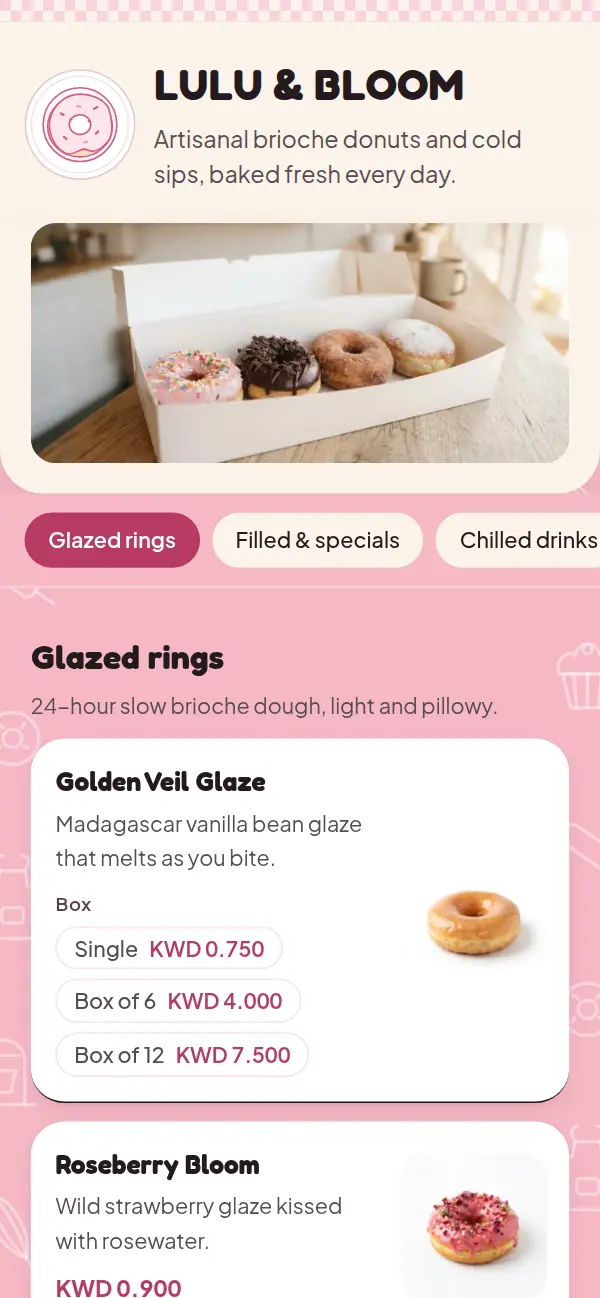
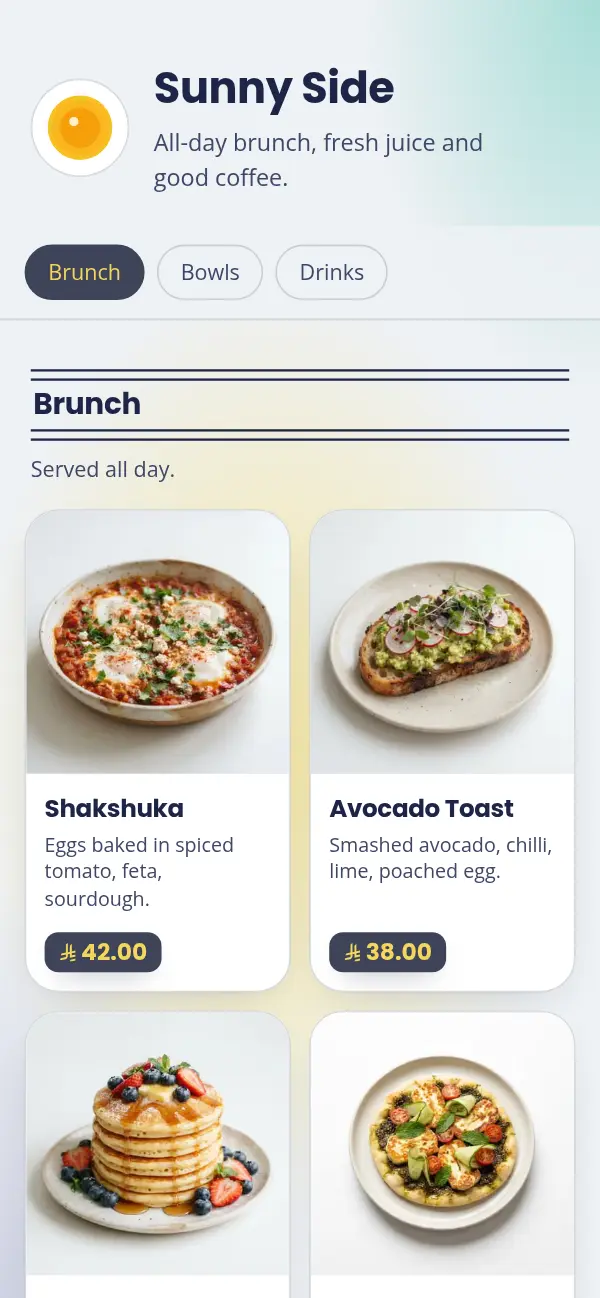
With Craftel your menu goes live at its own link in a designed template. Turn on WhatsApp ordering and customers add dishes to a cart and send you the order on WhatsApp, numbered and with the total, for pickup or delivery. You see every order in your dashboard, and if you have tables, guests can order from them too, with receipts you print at the counter. Free for 14 days.