

A simple QR menu that doesn't need a POS
Many QR menus come bundled with a POS: Toast, Square, Foodics and others. If you don't run one, or don't want your menu tied to it, Craftel is just the menu: a designed menu at your own link, a QR code for each table, and nothing to install.
14 days free. No card needed.
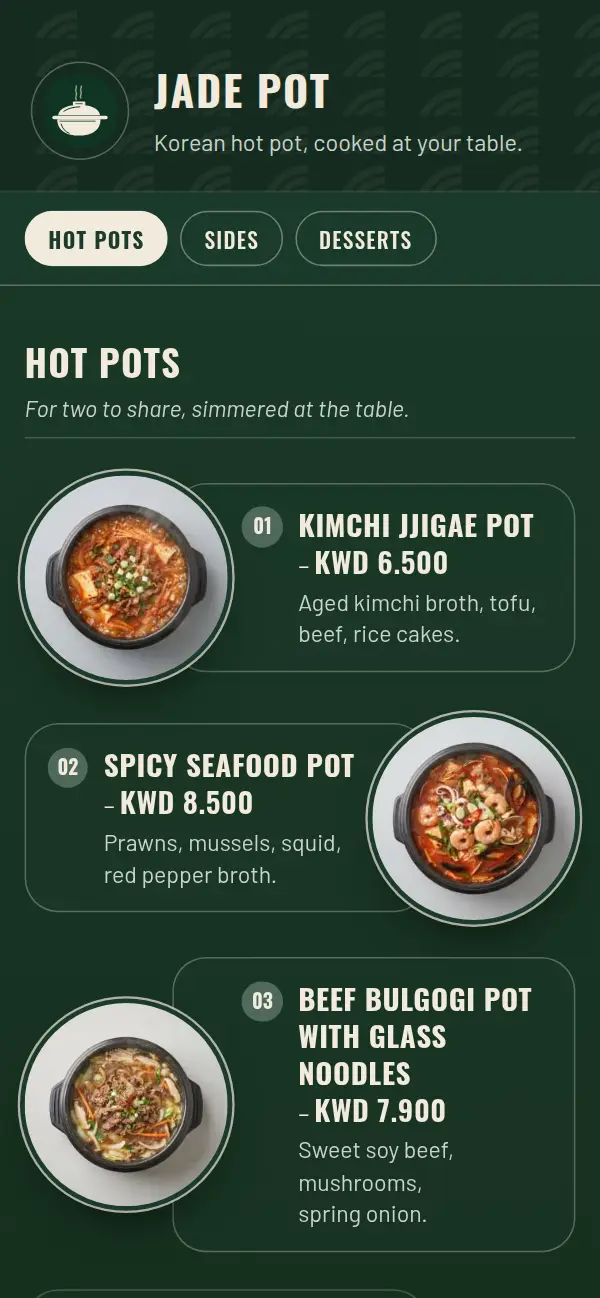
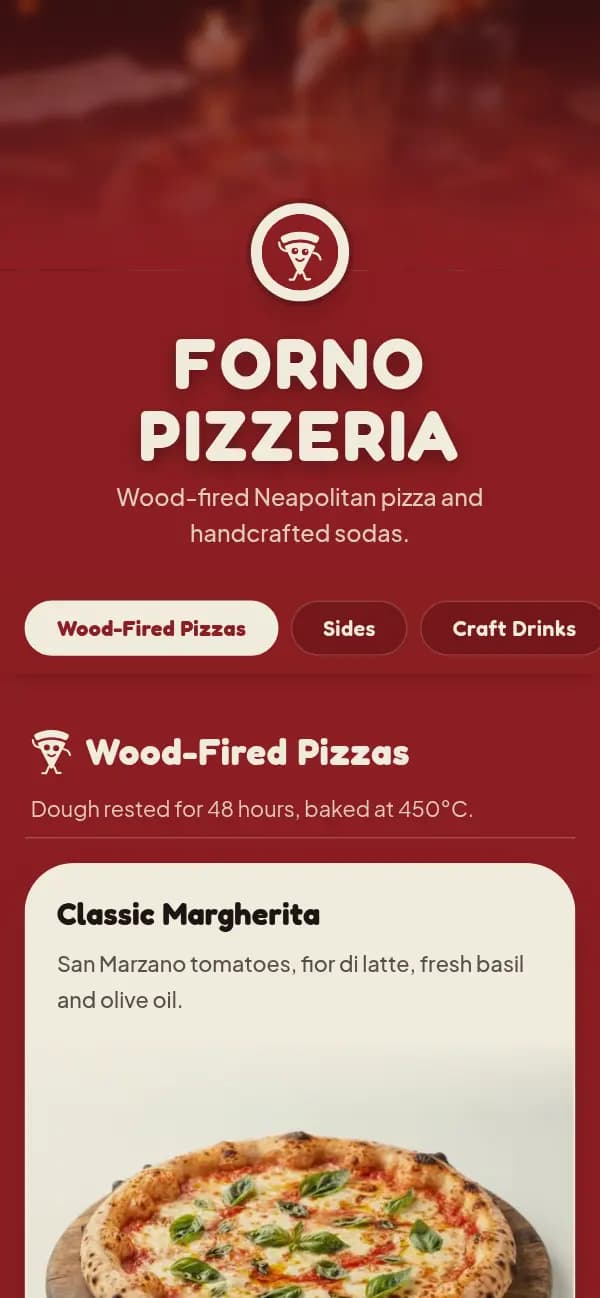
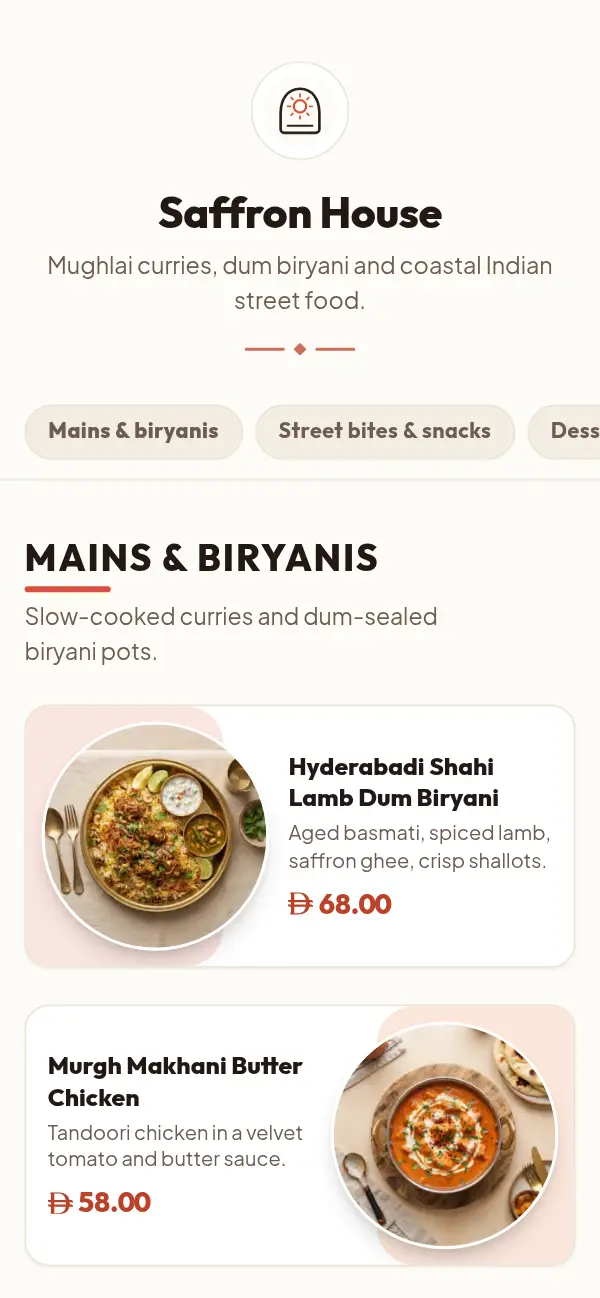
A standalone QR menu in four steps
- 1
Choose a template
Made for restaurants, cafés or bakeries. No hardware to buy, nothing to install.
- 2
Add your dishes and prices
In one language or two, with sizes as options.
- 3
Go live at your own link
craftel.app/m/yourname opens on any phone, without an app.
- 4
Print the QR codes
PNG, SVG or print-ready table tents with table numbers.
Just the menu, on purpose
A POS-linked menu makes sense when guests order and pay at the table through it. Plenty of places don't work that way: guests read the menu, then order with a waiter or at the counter. For them, the menu only has to be easy to read, correct and nice to look at.
That's all Craftel does. It doesn't take orders, payments or tips, and it doesn't need a terminal, a tablet or a contract. It works the same next to a cloud POS, an old cash register or a cash drawer.
Who a standalone QR menu suits
A menu without a POS fits places where ordering already works and only the menu needs fixing:
- Cafés and small restaurants with a simple till or a card terminal
- Food trucks, kiosks and pop-ups
- Home bakers who take orders by message
- Restaurants whose POS menu works for staff but looks bare to guests
What you give up, honestly
Without a POS link, prices don't sync: when you change a price at the till, change it on your Craftel menu too, from your phone. Guests can't order or pay from the menu. If table ordering is what you need, a POS with ordering is the better fit; if a beautiful, always-right menu is what you need, this is simpler and cheaper.
Why owners pick a menu without a POS
No hardware, no contract
A monthly plan you can cancel, from $12 a month. Nothing to install.
Works with any till
Cloud POS, cash register or cash drawer: the menu doesn't care.
Designed, not a spreadsheet
A template made for your kind of venue, not a POS item list on a phone.
Arabic and English, as equals
Both languages on one menu; guests switch with one tap.
What it costs
Free for the first 14 days, with every template and no card needed. After that it's $12 a month or $99 a year for one venue's menu, with your link and QR codes included.
See pricingQuestions about QR menus without a POS
Can I have a digital menu without Toast or another POS?
Yes. Craftel is a standalone menu: it needs no POS, no tablets and no hardware, only a phone or computer to edit it.
Does Craftel connect to my POS?
No. It doesn't sync with any POS. When a price changes, update it on your Craftel menu too.
Can guests order or pay from the menu?
No. They read the menu and order with your staff or at the counter, as they do today.
I already have a POS. Can I still use Craftel?
Yes. Many owners keep their POS for staff and use Craftel for the menu guests see, because it's designed and bilingual.
What do I need to start?
Your dishes and prices, and an email address. You choose a template, add your menu, verify your email and print the QR codes.