

5 reasons a POS system is better than WhatsApp ordering
Last updated:
WhatsApp is a lovely way to take a handful of orders. But past a certain point, the things that make it easy start to cost you: every message needs a reply, every payment needs checking, every order lives in a chat. Here are five reasons a POS system is the better tool for a busy food business, and how to tell whether you've reached that point.
In this guide
1. It's built for speed when there's a queue
At a busy counter, seconds add up. A cashier on a POS taps a few buttons and the order is in, the total is right and the next guest steps forward. A size or a choice of milk is one more tap.
WhatsApp works at the pace of a conversation: read the message, check the items, reply, wait for the answer. That's fine for ten orders in an afternoon. At lunchtime with a queue at the door, messages arrive faster than anyone can answer them, and customers left waiting for a reply may order somewhere else.
2. Payment happens on the spot
A POS takes payment as part of the sale: card, phone or cash, with a receipt. When the order is done it's paid, and the money in the drawer should match the system.
With WhatsApp, payment is a separate step you arrange every time. Someone has to check that a transfer really arrived, follow up with the customer who promised to pay on pickup and never came, and keep track of cash taken at the door. Each of those is a chance for a mistake or a loss.
3. You know exactly what you sold
A POS records every sale as it happens. At the end of the day you know what sold, at what price, who took the order and when. Over a month you can see your best sellers, your quiet hours and the dishes that hardly move, and decide from facts rather than memory.
Orders taken on WhatsApp are spread across chats. Adding them up means scrolling and counting by hand, and anything agreed in a voice note or a call may never be counted at all. Some menu tools keep a log of the orders they send, which helps, but a log of orders started is not a record of what was paid.
4. The kitchen and the team work from one system
In a restaurant with a kitchen, a POS sends each order to a printer or a screen the moment it's taken, with every modifier and the table number. Nobody reads a phone over the grill, and nothing gets lost between the person who took the order and the person cooking it. Many systems also track stock as dishes sell, so you know when to reorder.
A POS also gives each member of staff their own login. You can see who took which order, limit who can give discounts or refunds, and count the cash at the end of every shift. With WhatsApp, orders often arrive on one phone, and whoever is holding it becomes the bottleneck.
5. Invoices and records that meet the rules
Tax authorities increasingly expect sales to be recorded in a system. In Saudi Arabia, VAT-registered businesses must issue electronic invoices from a solution that meets ZATCA's requirements, and other countries in the region are moving towards e-invoicing too. A POS built for your market produces those invoices with every sale.
A WhatsApp chat is neither a tax invoice nor an accounting record. If your business is registered for VAT, ask your accountant what your system must do; for many owners it's the reason that settles the question.
Where a POS isn't the answer
A POS has trade-offs of its own, and it's worth weighing them honestly.
- The subscription and the hardware cost the same in a quiet month as in a busy one.
- Setting it up and training staff takes time, and every menu change has to be made in the system.
- The menu inside most POS systems is made for staff at the till, not for guests reading on their phone.
- It does little for customers who find you on Instagram and want to order before they arrive. Some POS systems offer online ordering or QR menus as add-ons; check what's included and what it costs.
What to ask before you buy a POS
Systems differ a lot. Before you sign up, ask:
- Does it issue invoices that meet your country's tax rules, including e-invoicing where it applies?
- Can it print receipts and show the menu in Arabic as well as English?
- Does it keep working when the internet drops, and catch up once it's back?
- What does it cost per device and per branch, and is the hardware bought, rented or included?
- Does it connect to the delivery apps you use, so their orders don't have to be typed in again?
- Who answers when it breaks, in which language, and at what hours?
Signs you've outgrown WhatsApp ordering
If several of these sound familiar, it's time to look at a POS.
- At your busiest hour you regularly can't answer order messages within a few minutes.
- You've had orders prepared and never paid for, or payments you couldn't match to an order.
- You can't say what your five best-selling items were last month.
- More than one or two people handle orders and money.
- Your accountant has asked for proper sales records or tax invoices.
A POS and WhatsApp can work together
Installing a POS doesn't mean turning away customers who like to message you. Many cafés run the till at the counter and still accept pickup orders and pre-orders on WhatsApp, ringing each one into the POS once it's paid.
Either way, guests need a menu they can read on their phone: at the table, in your Instagram bio and before they send a message. The POS runs the sale; a good menu link is what brings people to it.
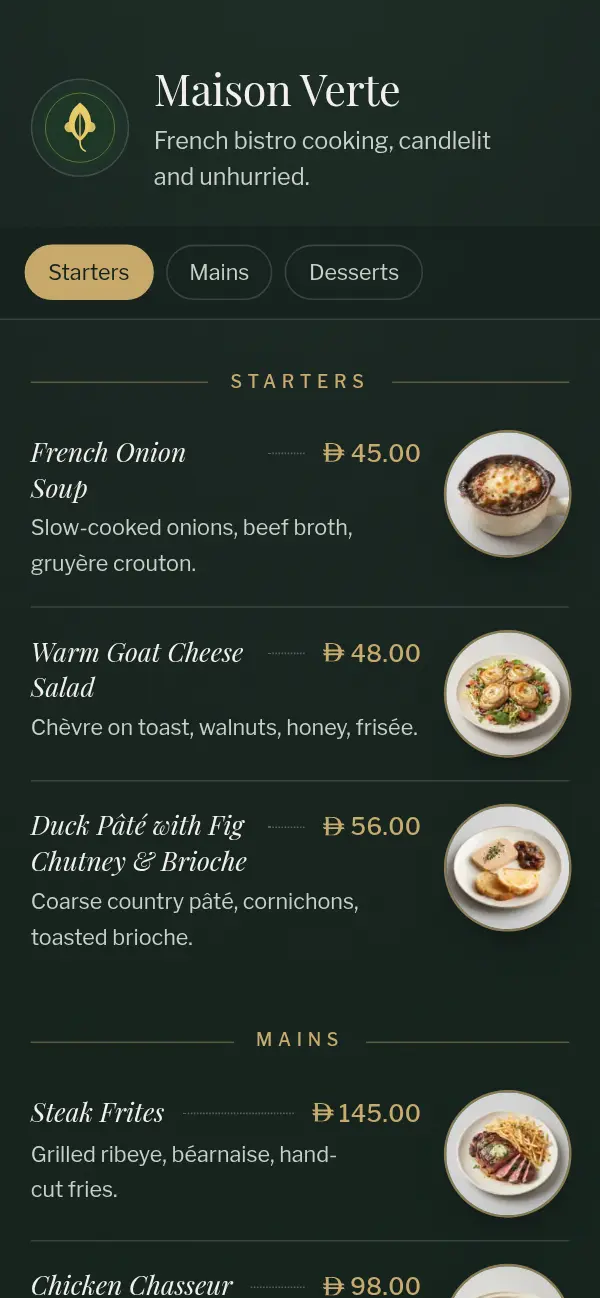
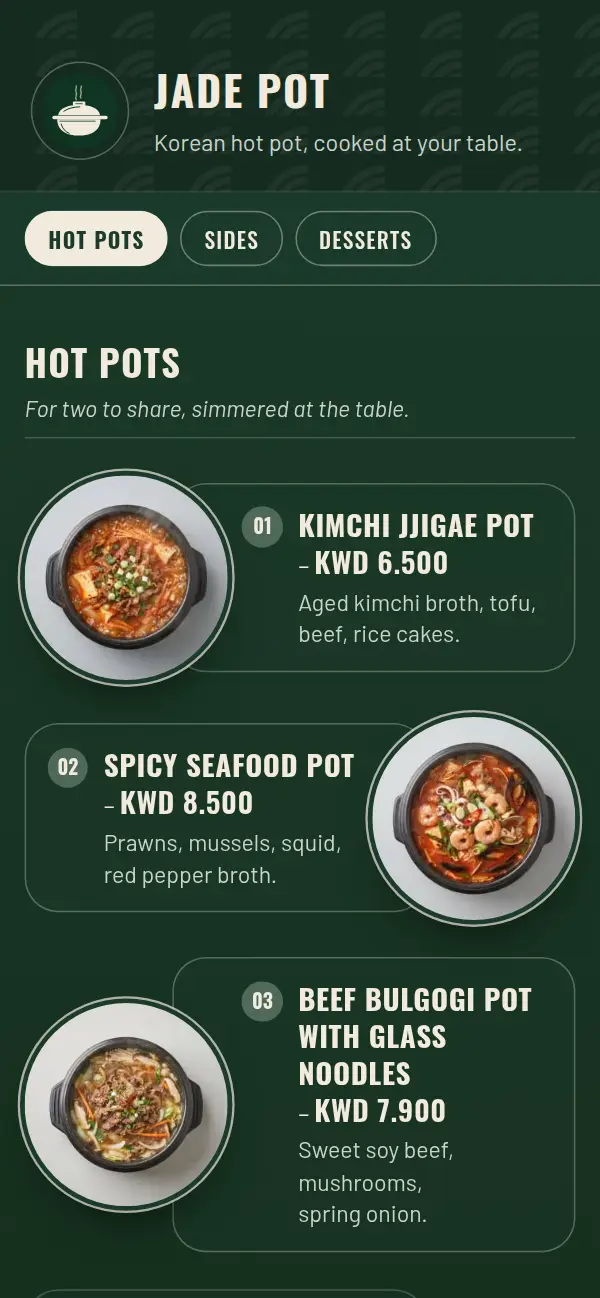
The menu guests see, whatever runs the till
Craftel puts your menu online in a designed template at its own link, with a QR code for your tables and a link for your bio. Use it next to your POS, or close bills with Craftel's own simple POS and printed receipts. Turn on WhatsApp ordering for pickup and delivery orders, or table ordering from each table's QR code. Free for 14 days.