

Free QR code for your menu
Already have a menu online? Paste its link and download a QR code that's ready to print. No account, no watermark, nothing to pay.
Three steps to a QR code on every table
- 1
Paste your menu's link
Copy the address guests should land on and paste it above. Leave out the https:// if you like; we add it.
- 2
Scan the preview
Point your phone's camera at the code on screen before you download. If it opens the right page, it will on the table too.
- 3
Download and print
PNG for a quick print or a post, SVG for a designer. Put it on table cards, the counter or the window.
Before you print: what makes a menu QR code scan first time
Most codes that fail in a café fail for small, fixable reasons. Check these before you send anything to the printer.
- Size: at least 3 cm (just over an inch) wide on a table card, bigger on a wall or window that people scan from a distance.
- Contrast: keep it dark on light. A pale code on a patterned or dark background is the most common reason phones miss it.
- Margin: leave the white border around the code. Designers like to crop it; cameras need it.
- Light: a glossy card under a spotlight can hide part of the code. Matte paper scans better.
- A line of text: "Scan for the menu" next to the code tells guests what to expect, in your guests' languages.
The link matters more than the code
A QR code is only the address, drawn as squares. This tool puts your link straight into the code, with no redirect through us, so it keeps working for as long as the link does, even if you never come back here.
That also means the code can't change once it's printed. If your menu lives in a PDF, upload new versions to the same link rather than making a new file with a new address, or you'll be reprinting table cards every time a price changes.
Is a PDF menu enough?
It works, and plenty of cafés start there. The catch shows on a phone: guests pinch and zoom across a page designed for A4, the file takes a moment to load on mobile data, and every price change means a new file and a hope that the link stays the same.
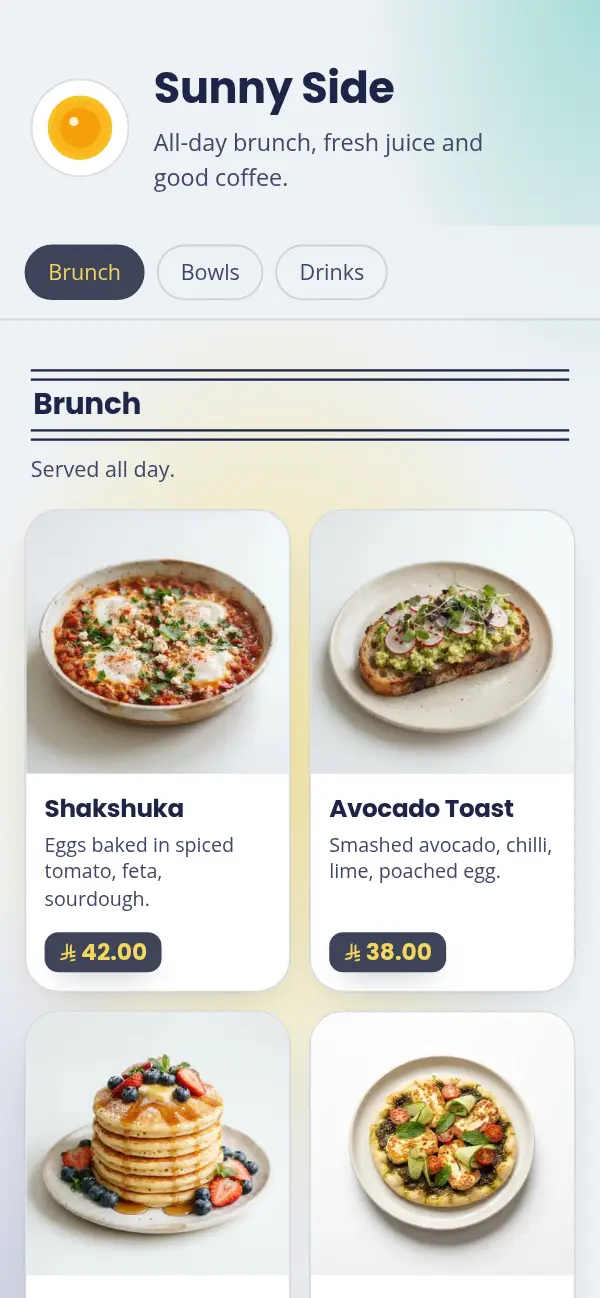
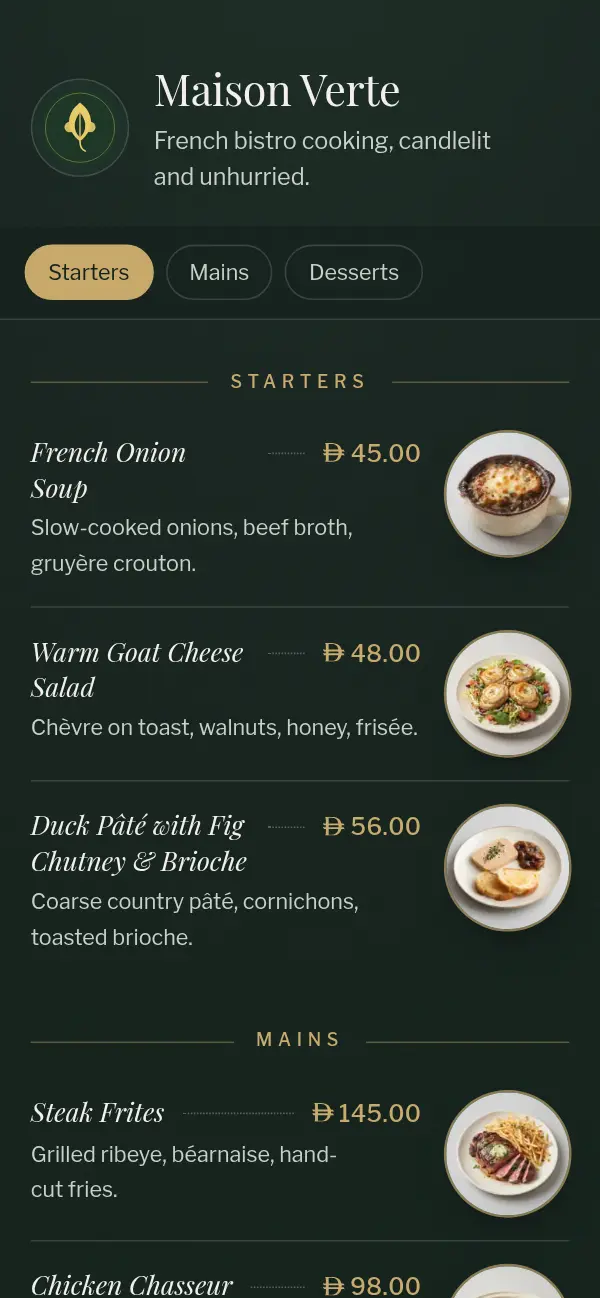
A menu built for phones avoids that: it opens instantly, reads without zooming, and when you change a price the same QR code shows the new one.
Want a menu that updates itself?
With Craftel you choose a designed template, add your dishes, and your menu goes live at its own link (yourcafe.craftel.app), in Arabic, English or both. Your QR code never changes; your menu can. Free for 14 days, and this QR tool stays free for everyone.
Questions about the free QR tool
Is it really free?
Yes. No account, no watermark, no limit on how long the code works. We only limit how many codes one person can make in an hour, to keep the tool fast for everyone.
Will my QR code stop working?
Not because of us. The code holds your link directly, with no redirect through Craftel, so it works as long as your link does.
Can I make a QR code for a PDF menu?
Yes. Upload the PDF somewhere with a public link (your website, or a file-sharing service set to "anyone with the link"), then paste that link here. Scan it on your phone to check it opens without asking guests to sign in.
Should I download PNG or SVG?
PNG if you're printing it yourself or posting it online. SVG if you're sending it to a designer or a print shop: it stays sharp at any size.
Can I change where the code points after printing?
No: the link is part of the code itself. To change what guests see, keep the same link and change the page behind it. A Craftel menu works that way: edit your menu and the printed code shows the new version.
Do you keep the links I paste?
No. We use the link to draw the code and send it back to you. We don't save it or track who scans the code.