

A menu link for your Instagram bio, made for home bakers
Stop answering "How much is the pistachio cake?" one message at a time. Choose a template, add your cakes and cookie boxes with prices and order notes, and put one link in your bio. Customers read it, then message you to order.
14 days free. No card needed.
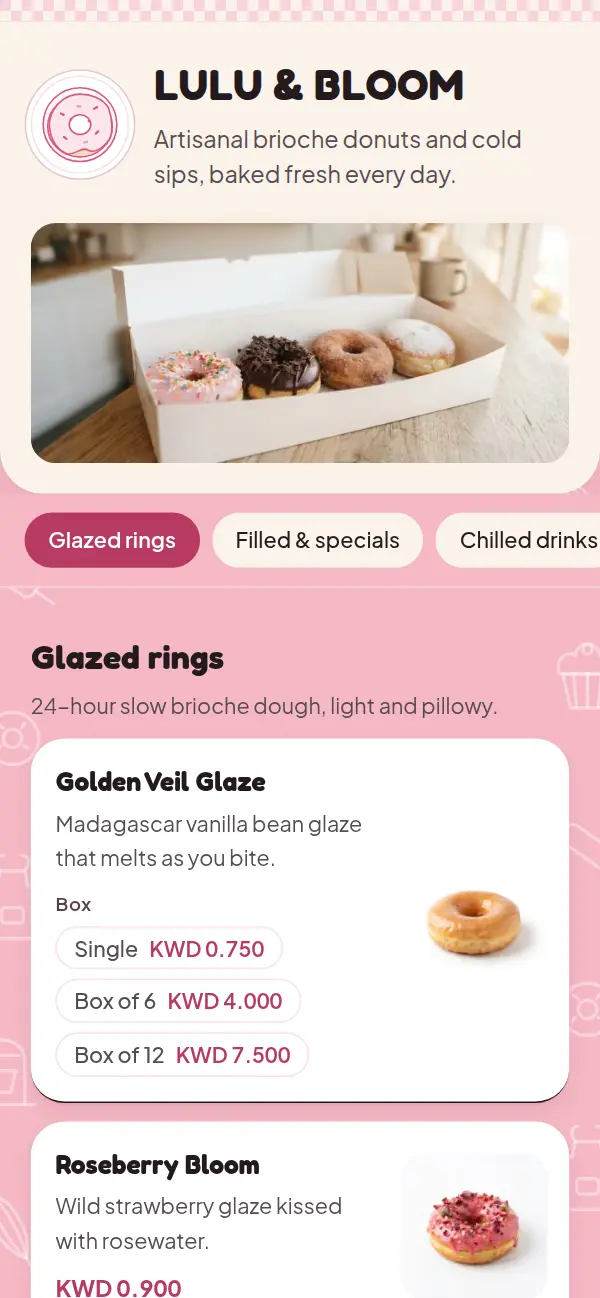
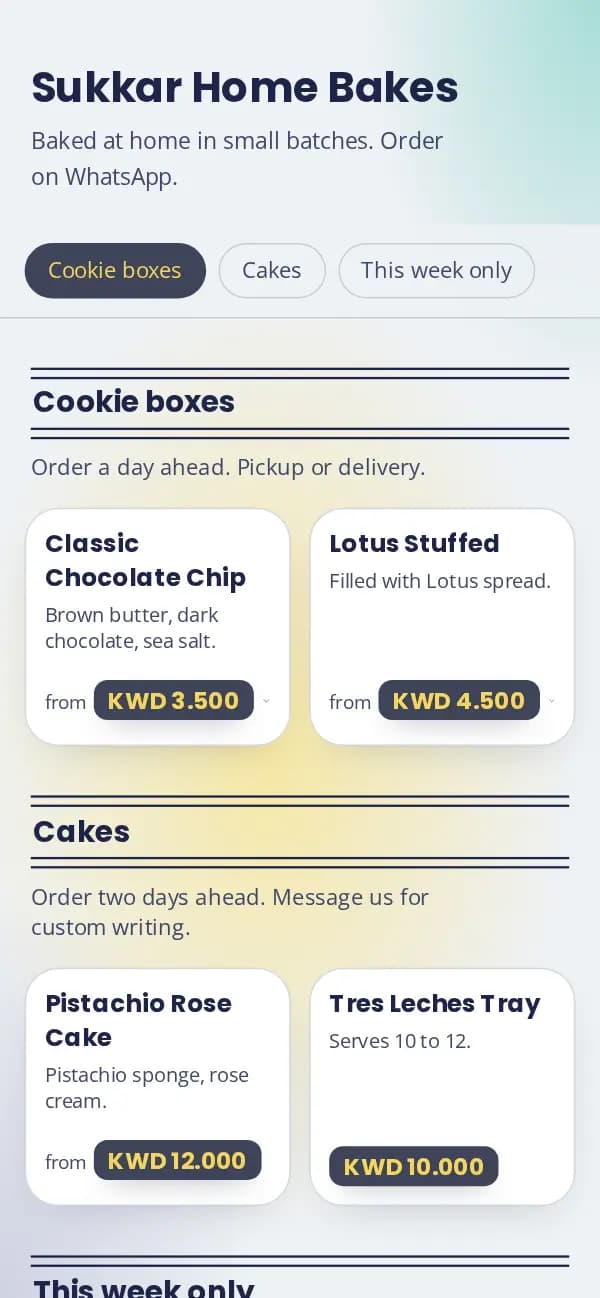
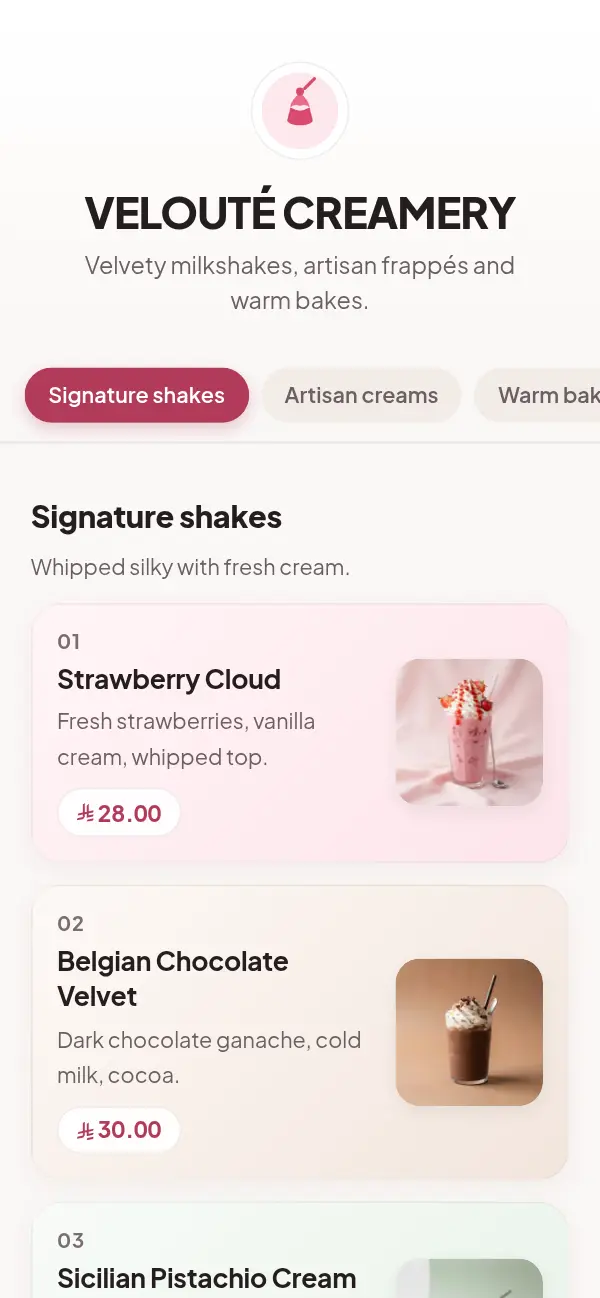
From your kitchen to your bio
- 1
Choose a template
Soft pastels, candy pink or warm cream. Pick the one that feels like your brand.
- 2
Add your bakes and order notes
Cakes in sizes, cookies in boxes of 6 and 12, and "Order two days ahead" on the section.
- 3
Add your WhatsApp and Instagram
They show at the end of your menu, so customers can message you from it.
- 4
Put the link in your bio
Your menu gets its own address, like craftel.app/m/yourname. It's the only link you need to share.
An order catalogue, not a webshop
Most home bakers take orders by message, and that's how they like it: you know who's ordering, you agree the pickup time, and you don't bake what you can't deliver. What's missing is a tidy place to show everything you make and what it costs.
Your Craftel menu is that place. It doesn't take orders or payments. It shows your cakes, boxes and prices, how far ahead to order, and a WhatsApp button so customers can message you once they've chosen.
One link for your bio, your stories and your replies
Instagram gives you one link in your bio. Make it your menu, then use the same link everywhere:
- Your Instagram bio, and a link sticker on stories when you post a new bake
- WhatsApp replies and your WhatsApp Business profile
- A QR code on your boxes and stickers, for the next order
- Your TikTok or Snapchat profile
Order notes, sizes and "fully booked"
Write order rules where they apply: "Order a day ahead" on cookie boxes, "Two days ahead, message us for custom writing" on cakes. Sizes and boxes are options with their own prices. When a week is fully booked, mark the item sold out and write "Fully booked this week" in its description; bring it back when you have room.
Why home bakers put Craftel in their bio
No shop needed
Your menu doesn't need an address. Leave the location empty and show only Instagram and WhatsApp.
Fewer "how much?" messages
Prices, sizes and order notes are on the menu, so messages start with an order.
Looks like a real brand
A designed template with your logo and colour, not a screenshot of a price list.
Arabic and English, as equals
Every bake in both languages, with Arabic in a proper Arabic typeface.
What it costs
Free for the first 14 days, with every template and no card needed. After that it's $12 a month or $99 a year for your menu, with your link and QR codes included.
See pricingQuestions from home bakers
Can customers order and pay through the menu?
No. The menu shows what you bake and the prices, and a WhatsApp button at the end. Customers message you to order, as they do today.
I bake from home. Do I need a shop address?
No. The location is optional. Your menu can show only your Instagram and WhatsApp.
Is it a link-in-bio page?
It's a menu at its own link, which is what you put in your bio. It's made for showing bakes and prices, rather than a list of links.
How do I show boxes of 6 and 12?
Add the box sizes as options on the item, each with its price. Guests see the prices under the item.
Can I hide items when I'm fully booked or on holiday?
Yes. Mark an item sold out, or hide a whole section, and show it again when you're baking.