

Café menu templates
Four designs made for cafés, each shown with the sample café it was built around. Open the live preview on your phone, then start with the one that feels like yours.
The café templates
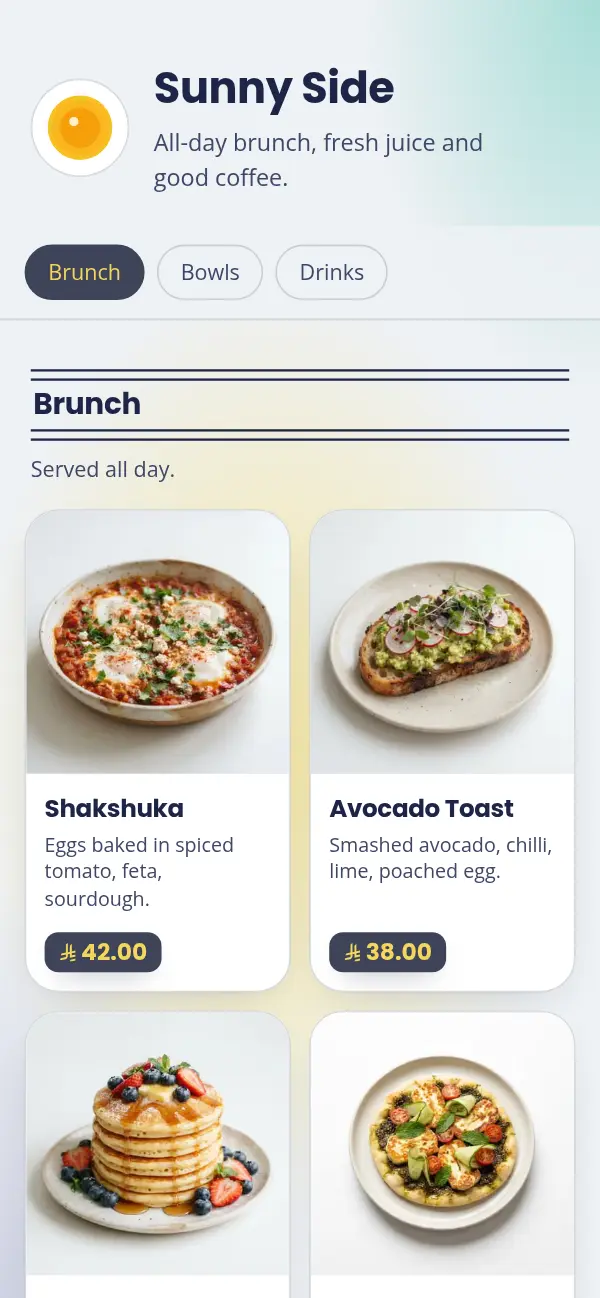
Pastel Morning
Navy on a mint and butter wash, bold headings, badge prices. Made for brunch.
See the template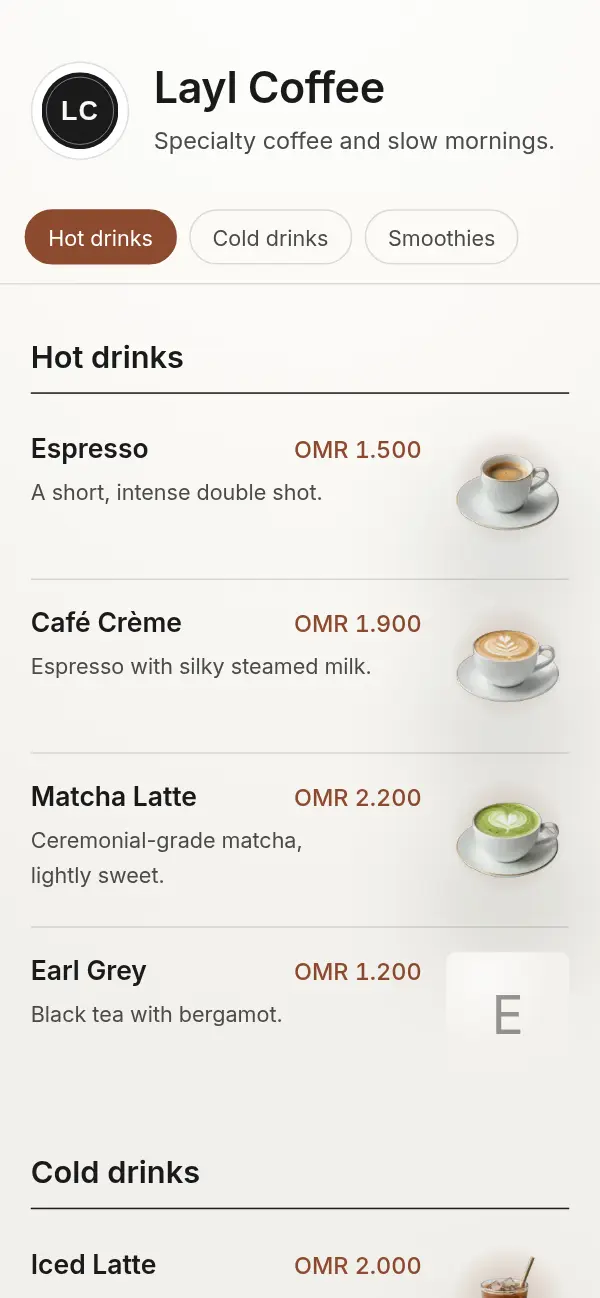
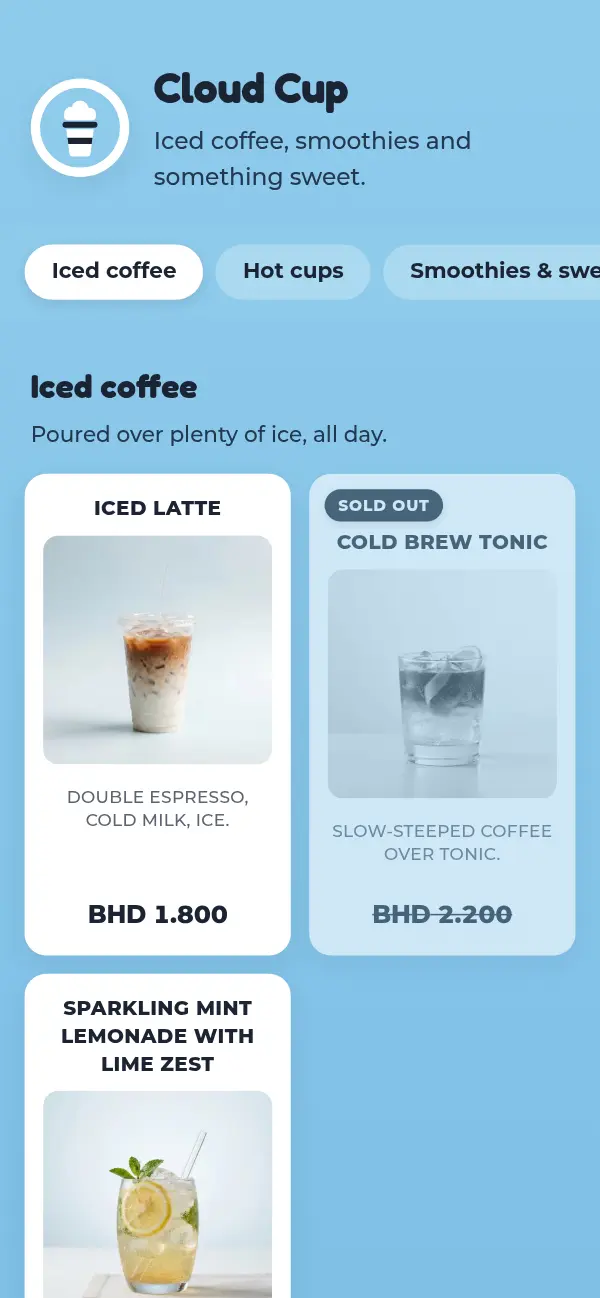
Sky Cup
White cards on a soft sky blue, bold uppercase names, rounded headings. Made for iced coffee.
See the template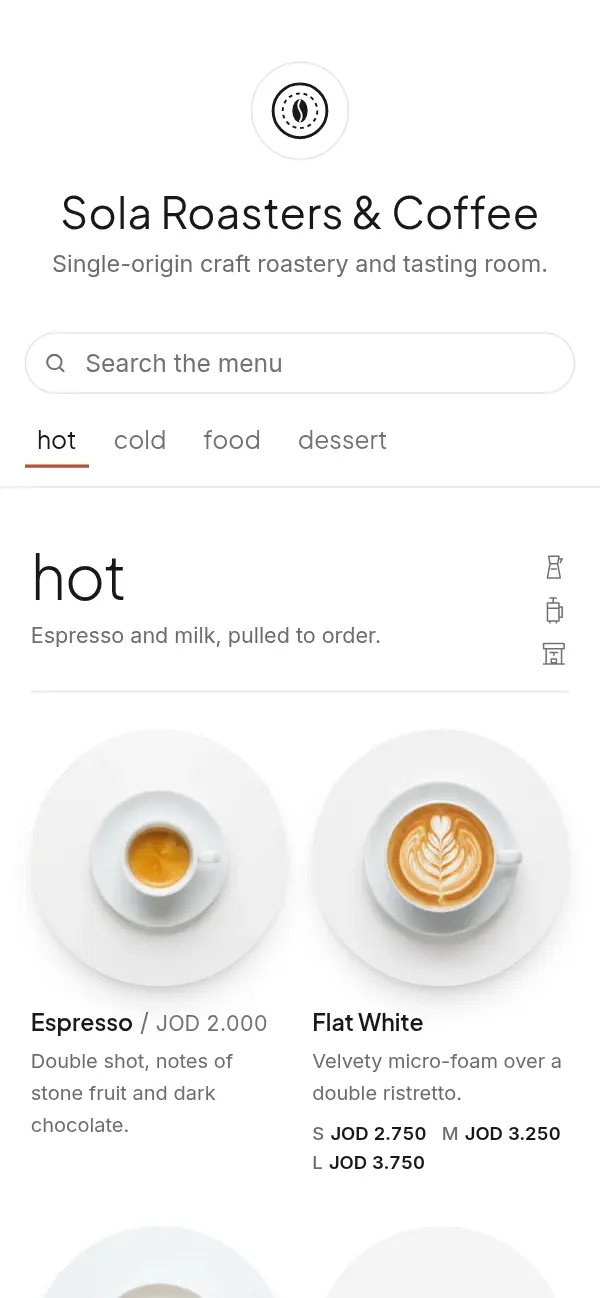
White Roast
Pure white with light lowercase titles: drinks as a grid of round cup photos, food and desserts as a quiet text list. For specialty coffee.
See the template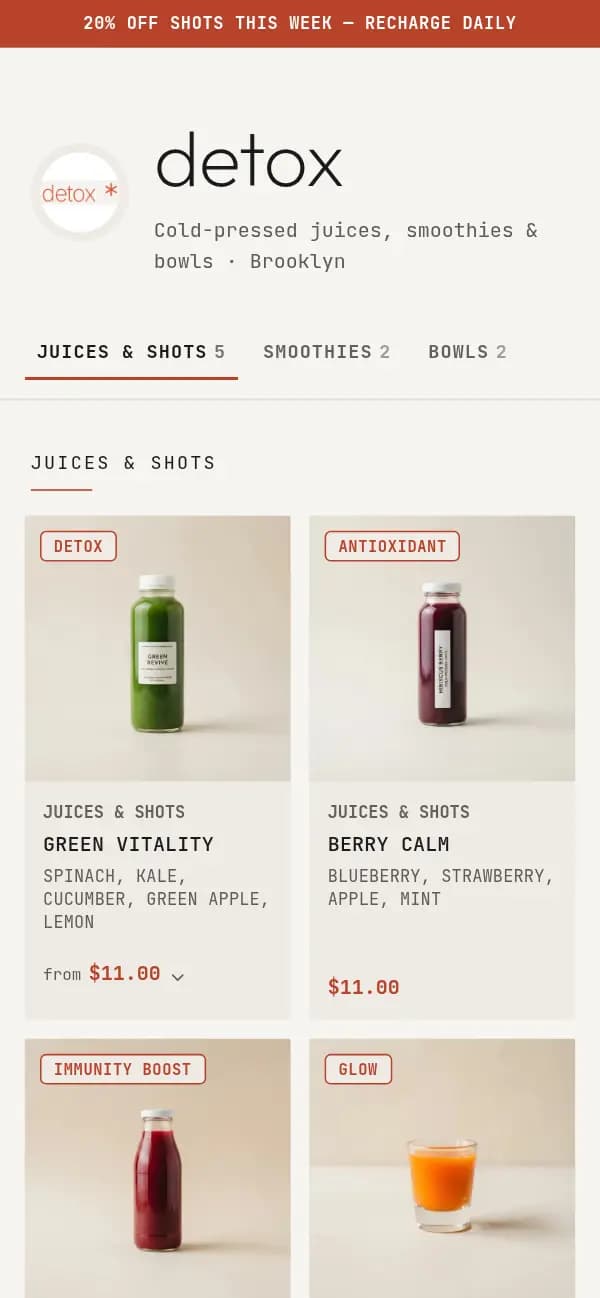
Tomato Mono
A huge thin lowercase headline over flat tinted photo tiles, mono uppercase type throughout. For juice bars and clean-eating counters.
See the template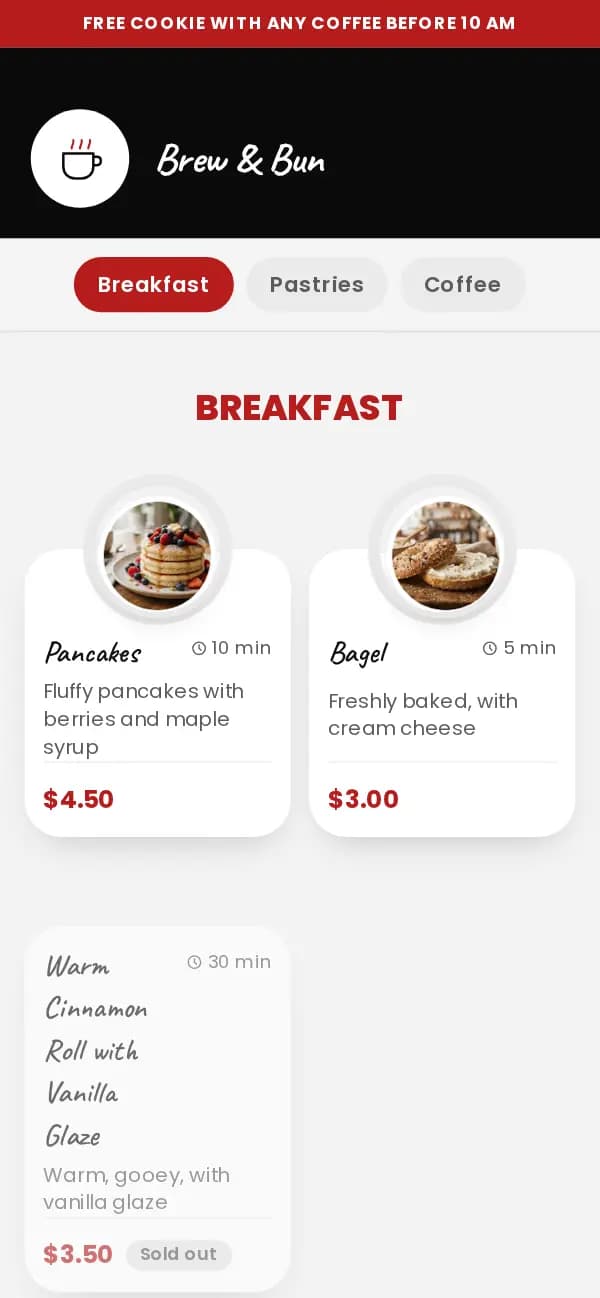
Cherry Plate
A black header bar, filled cherry-red pill tabs, and white cards whose circular photo overlaps the top edge on a grey disc. For breakfast cafés.
See the template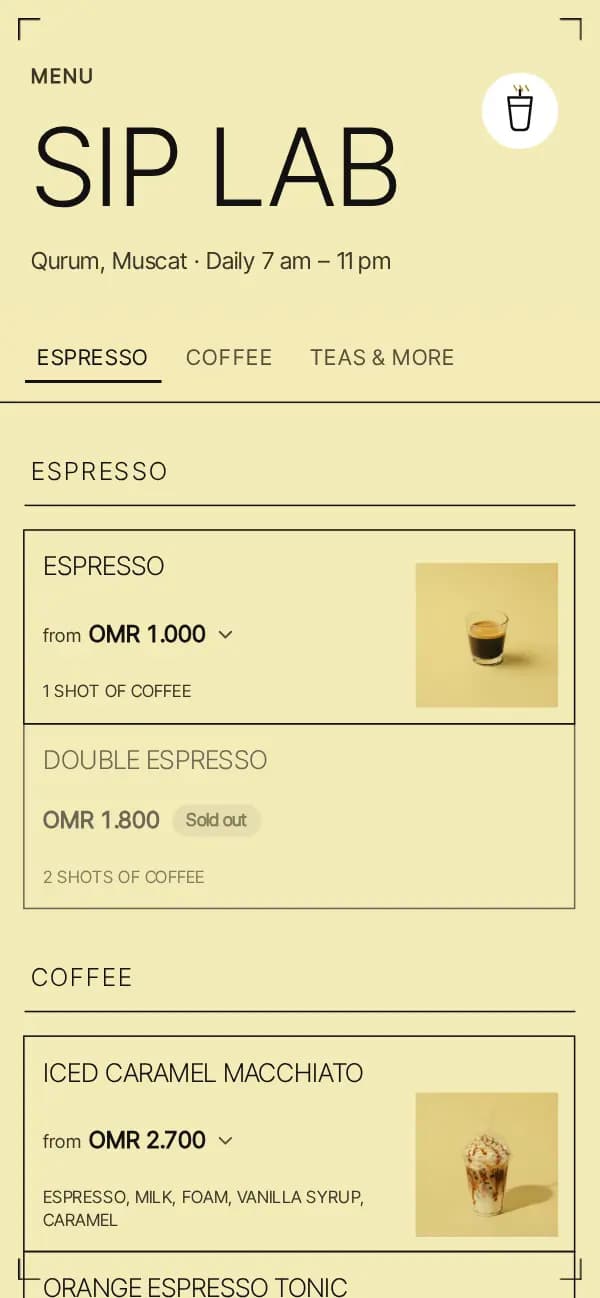
Butter Grid
A bordered table of flat cells on a pale butter page, with a huge light headline and a sticky underlined nav. For juice and drinks bars.
See the template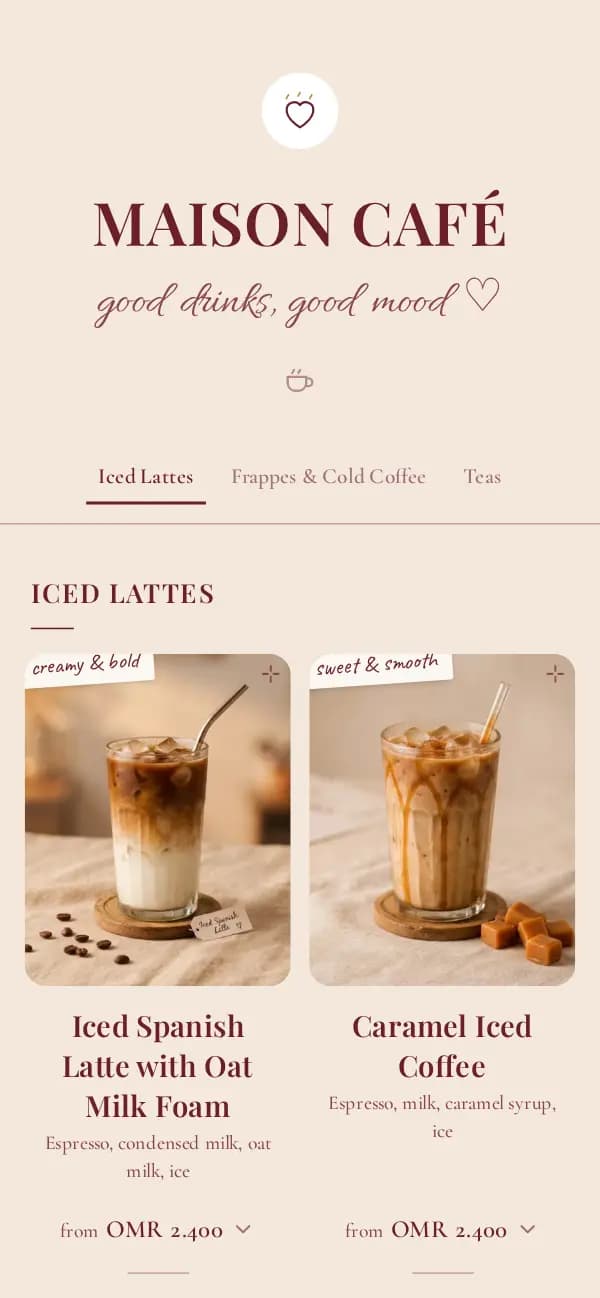
Blush Script
A centred serif headline under a script tagline, and borderless photo cards with a rotated cream tape strip and a tiny sparkle. For romantic, soft-toned cafés.
See the template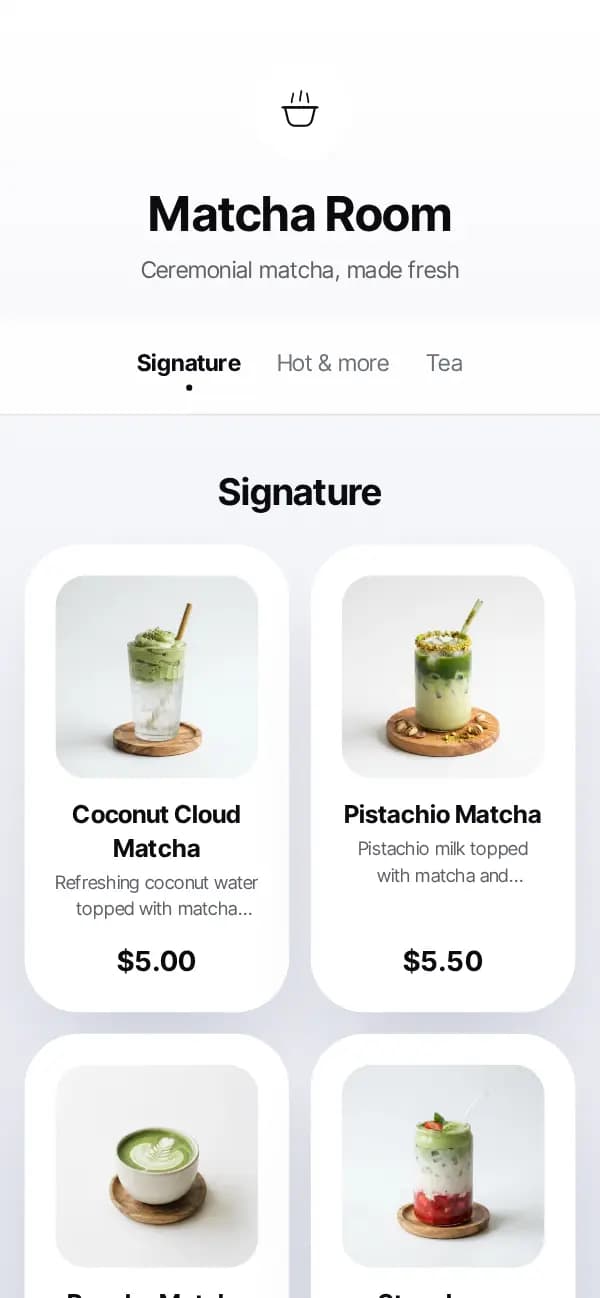
Soft Tile
A fixed white-to-lavender gradient, plain centred nav with a dot under the current tab, and minimal white pillow cards on a big soft shadow with contained product photos. For minimal, product-shot cafés.
See the template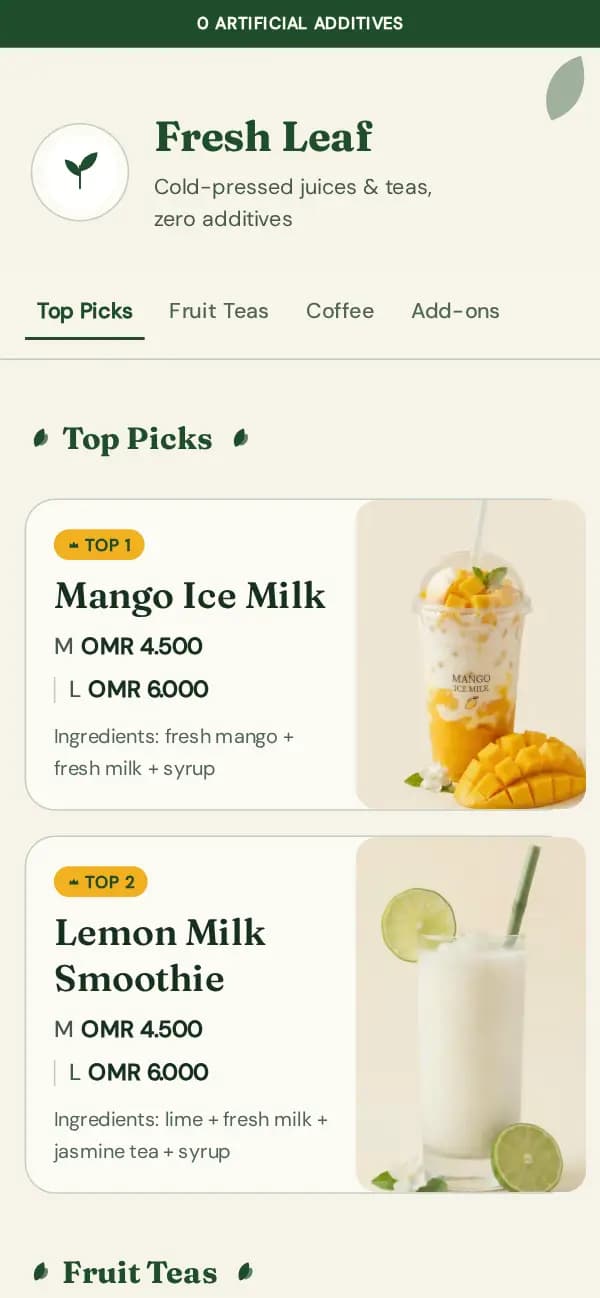
Fresh Leaf
A forest-green leaf mark and bold serif name on warm cream, hairline-outlined panels with hero cards for the top picks, a mango-yellow crown pill, and plain green nav tabs. For juice and tea bars.
See the template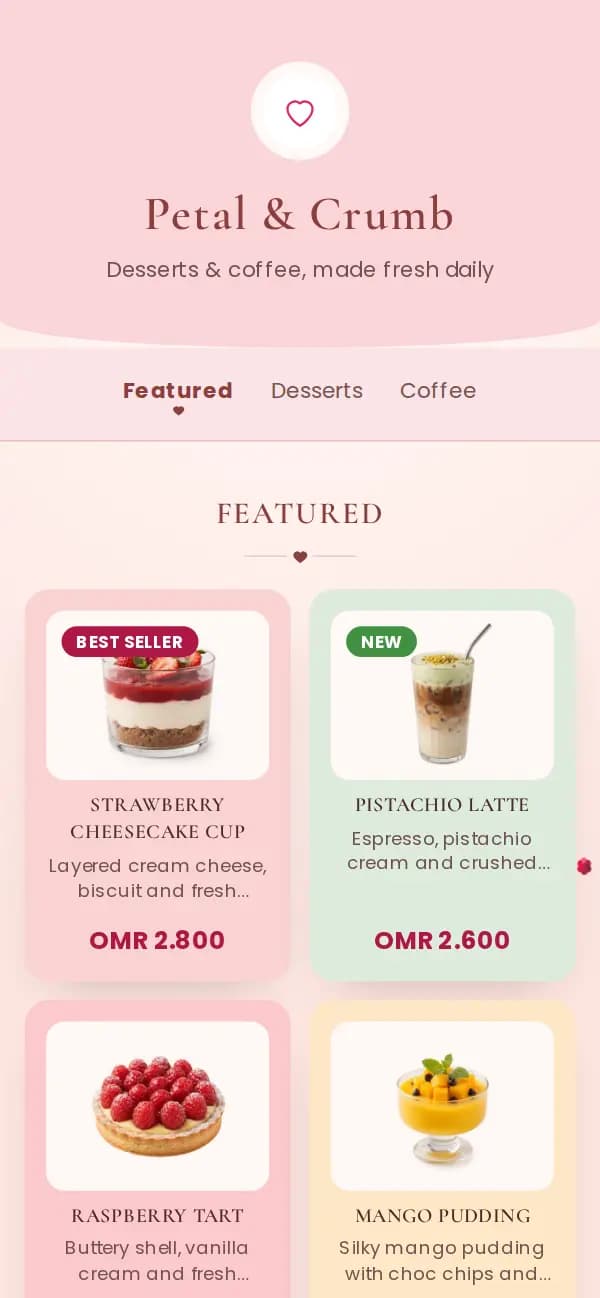
Rose Bloom
A round logo and letter-spaced serif name on a soft pink band, minimal cards that cycle through 4 pastel tints with product photos multiplied onto them, and a hairline-and-heart divider under every section title. For dessert and pastry cafés.
See the template
What makes a good café menu design
A café menu is read quickly, often standing up. The designs that work share a few choices:
- Short lines and clear prices, so a latte and its price read as one thing
- Section headings that stand out while scrolling ("Hot", "Iced", "Bakery")
- Type sized for a phone at arm's length, with enough contrast in daylight
- Photos where they help choose, such as pastries and brunch plates, not for every espresso
- One accent colour that matches your cups, signage or walls
Quiet, colourful or cool
Minimal Paper suits specialty coffee bars and cafés with a calm interior: warm paper, near-black ink and fine rules, with drinks and pastries floating on the page. Pastel Morning suits brunch spots and busy family cafés: a soft wash of colour, bold headings and prices in little badges. Sky Cup suits iced coffee and dessert cafés: white cards on a soft sky blue, with bold uppercase names. White Roast suits specialty roasteries: pure white, round cup photos for the drinks and a quiet list for food. All four come in light and dark, and all let you change the accent colour.
Questions about café menu templates
Can I use a café template for a bakery or juice bar?
Yes. The templates are made with a kind of venue in mind, but any of them works for any venue. Sky Cup and Pastel Morning are a good fit for juice and smoothie bars.
Can I change the colours of a template?
Yes. Pick an accent colour, switch between light and dark, and choose from the template's font pairings. We keep the text readable whatever you choose.
Do café templates need photos?
No. Every template looks finished without photos. Add them for the items people ask about, and leave the rest as text.