

Butter Grid menu template
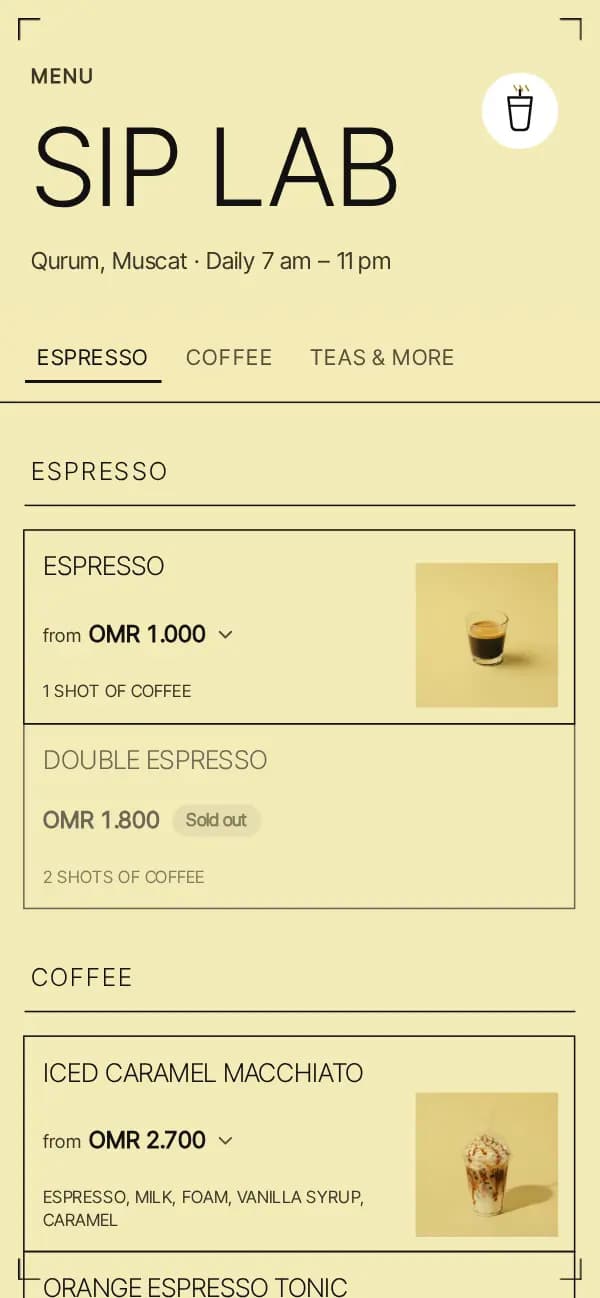
A bordered table of flat, fill-less cells on a pale butter page, under a huge light headline and a sticky underlined nav — every drink's photo anchored at the bottom corner of its own cell.
Made forCafé
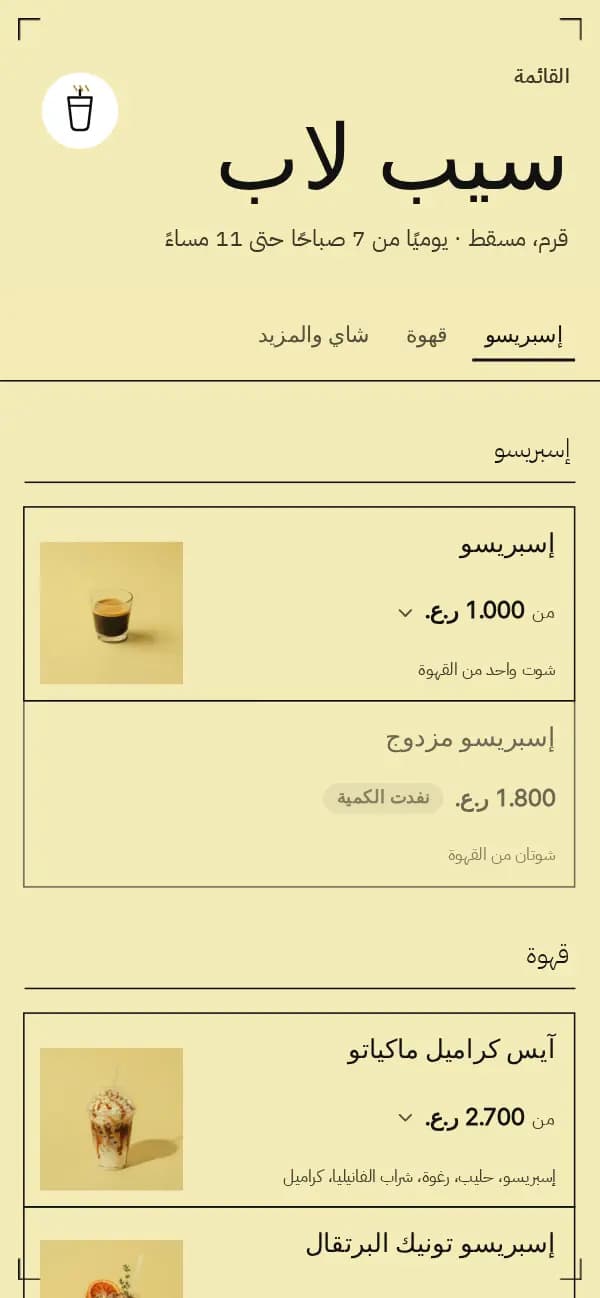
Shown with Sip Lab, a sample venue made for this template.
Best for
Juice bars, coffee and tea counters, and any drinks-only menu that reads best as a clean, graphic price list.
Getting the most from it
- Shoot each drink on a plain, pale backdrop — the multiply blend only erases a light background cleanly
- In dark mode every photo sits on its own light butter tile first, so the blend never muddies it
- Add a size option (Small / Medium / Tall) for made-to-order drinks; it lists as plain tiny text, no chip boxes
What makes it Butter Grid
- A table of bordered cells, one to three per row by width, whose hairlines collapse into a single shared line — no double borders anywhere
- Each drink's photo sits as a small square tile anchored at the bottom corner of its cell, multiplied onto the page colour so a plain backdrop disappears
- A drink with no photo spans its cell's full width instead, with no empty space and no logo
- A huge, light-weight uppercase headline under a small "Menu" kicker, sized to never overflow even for a long Arabic name
- Four crop-mark corners frame the page; a sticky, small-caps nav underlines the current category
Questions about this template
Do I need a photo of every drink?
No. A drink without one is a plain text cell spanning the full width, with no empty space and no logo stand-in.
Why does a photo look odd on a busy background?
The photo treatment is a multiply blend, built for a plain, pale backdrop; a busy or dark background will show through instead of disappearing.
More templates
See all templates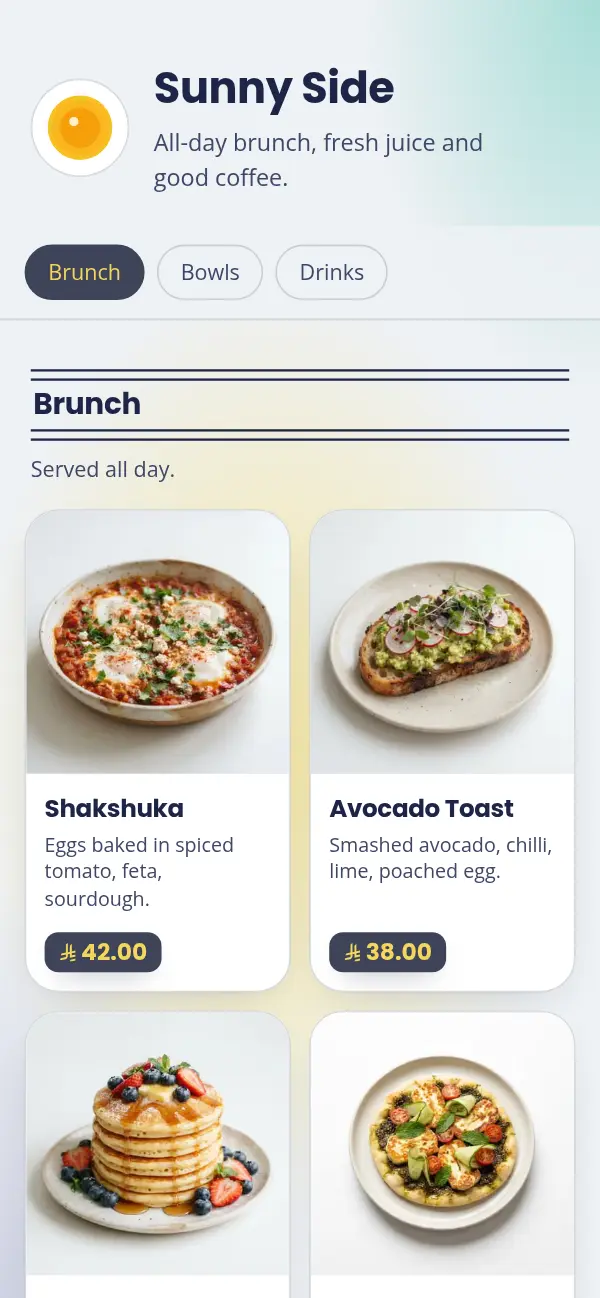
Pastel Morning
Navy on a mint and butter wash, bold headings, badge prices. Made for brunch.
See the template
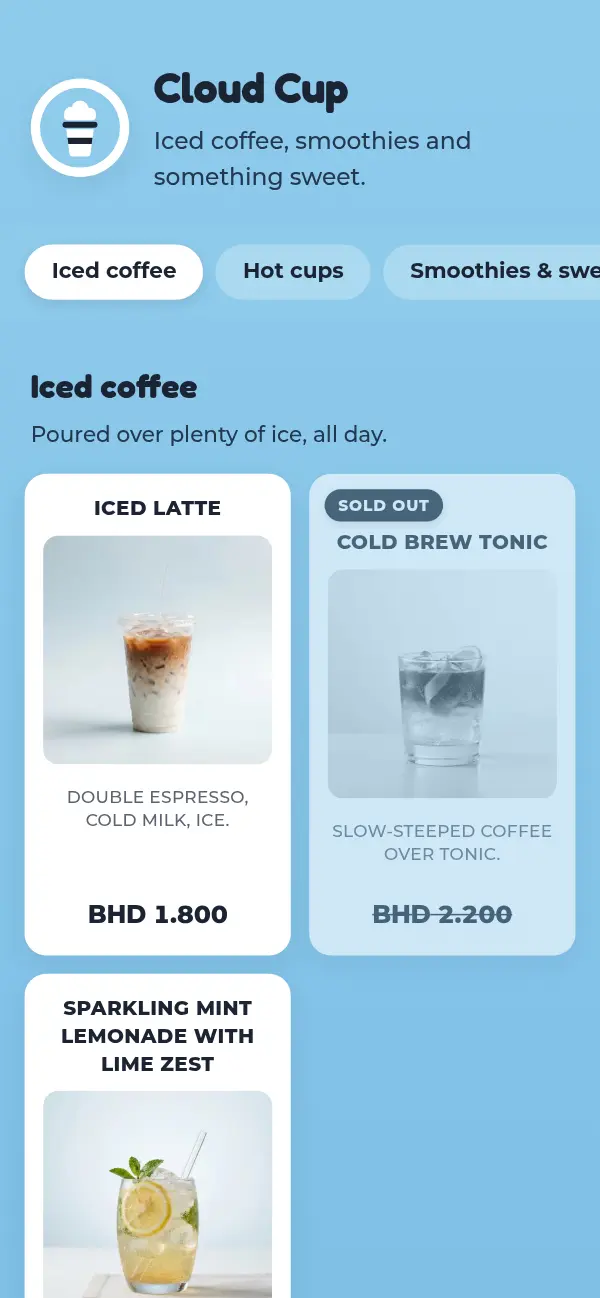
Sky Cup
White cards on a soft sky blue, bold uppercase names, rounded headings. Made for iced coffee.
See the template