

QR code ordering from the table, without an app
Each table gets its own QR code. Guests scan it, order from your designed menu in Arabic or English, and watch their order go from received to ready, while it appears on the board in your kitchen or at the counter. They pay at the counter, as they do today.
14 days free. No card needed.
What the guest does
- 1
Scan the table's code
The menu opens in the browser, already knowing the table. No app, no account.
- 2
Add dishes and send
Sizes and options, a note for the kitchen, one button to send. No name or phone number asked.
- 3
Follow the order
Received, being prepared, ready: the phone shows it, and they can add more at any time.
- 4
Pay at the counter
Staff close the bill and print a receipt. The next guest at that table starts fresh.
What it looks like
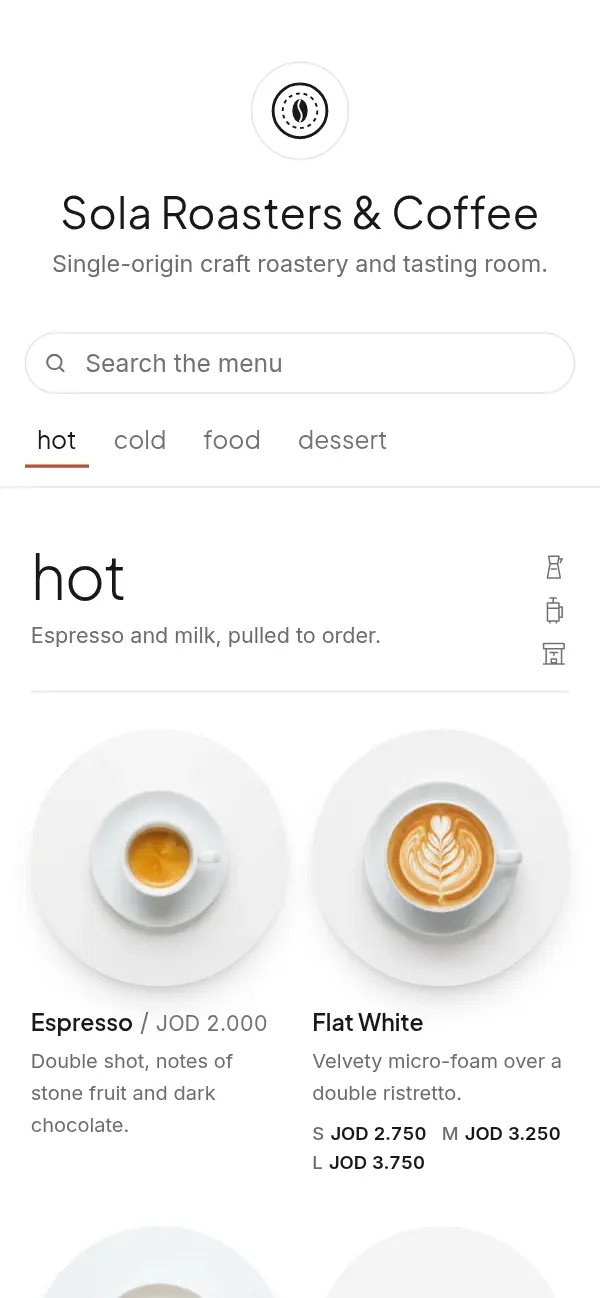
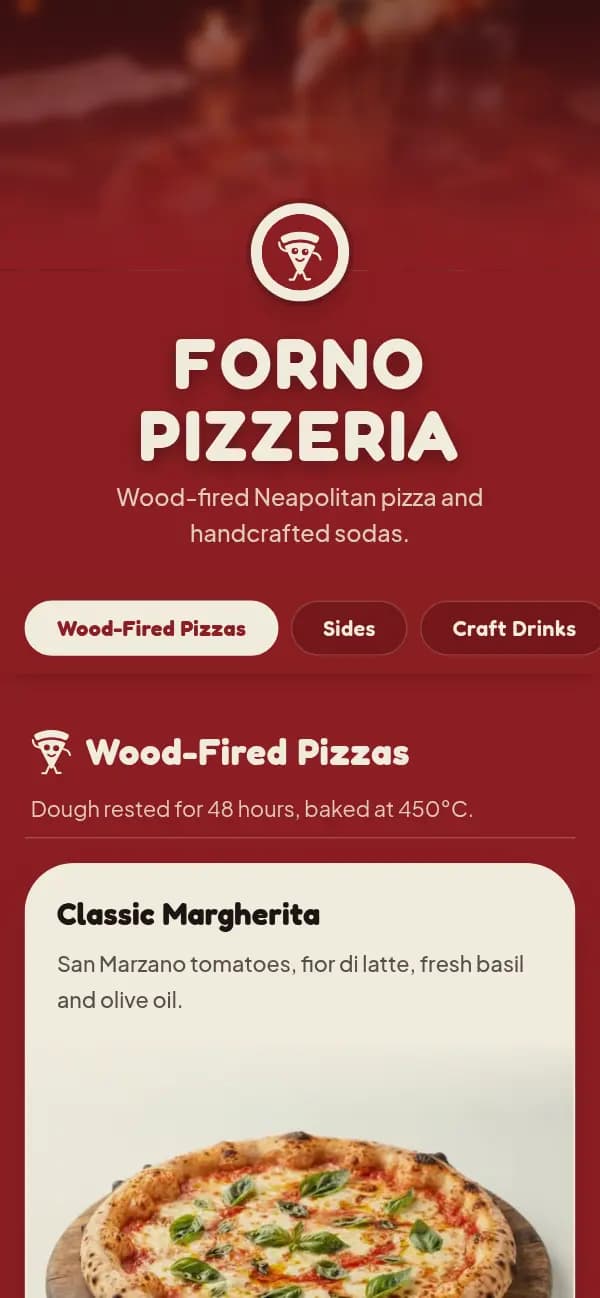
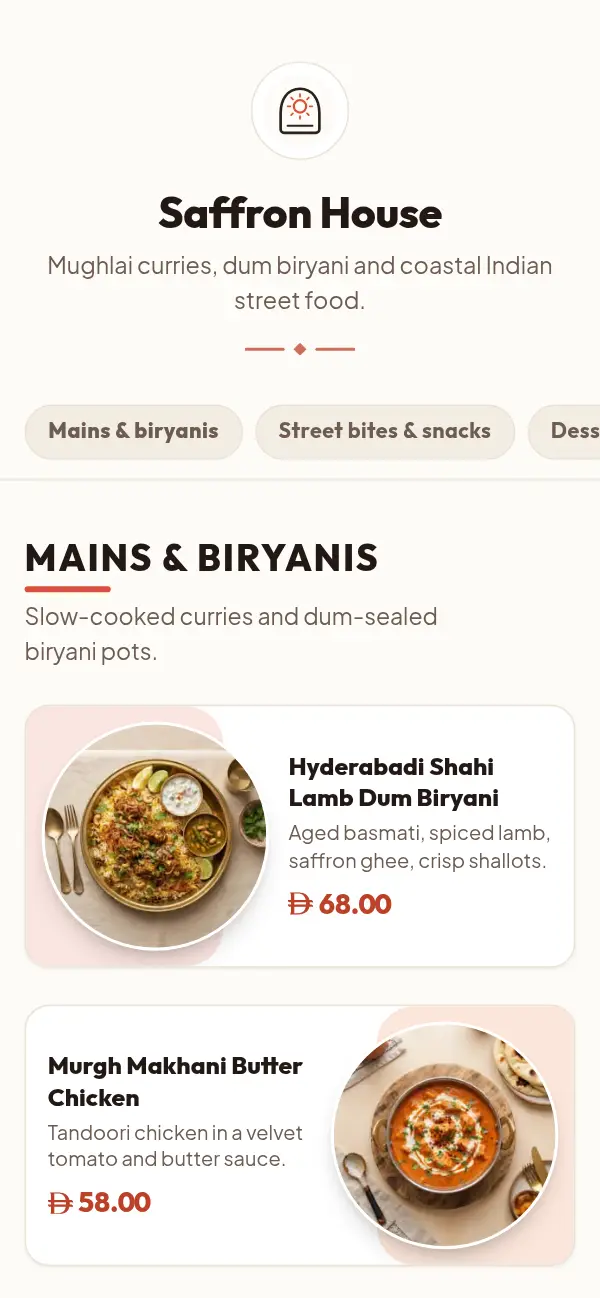
A demo café's menu with table ordering on, and the board on the café's side.
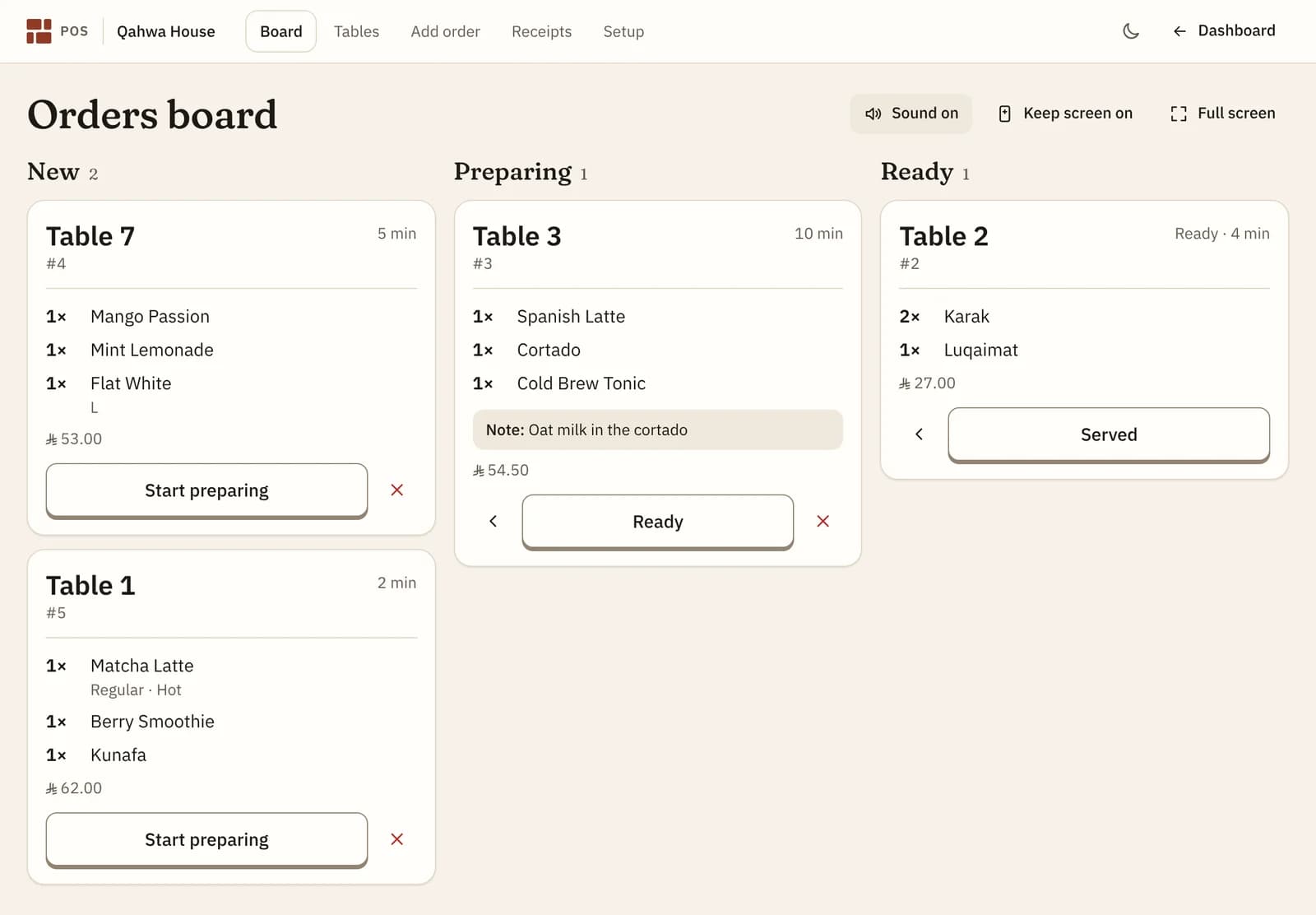
On the café's side, every table's order lands on the board. 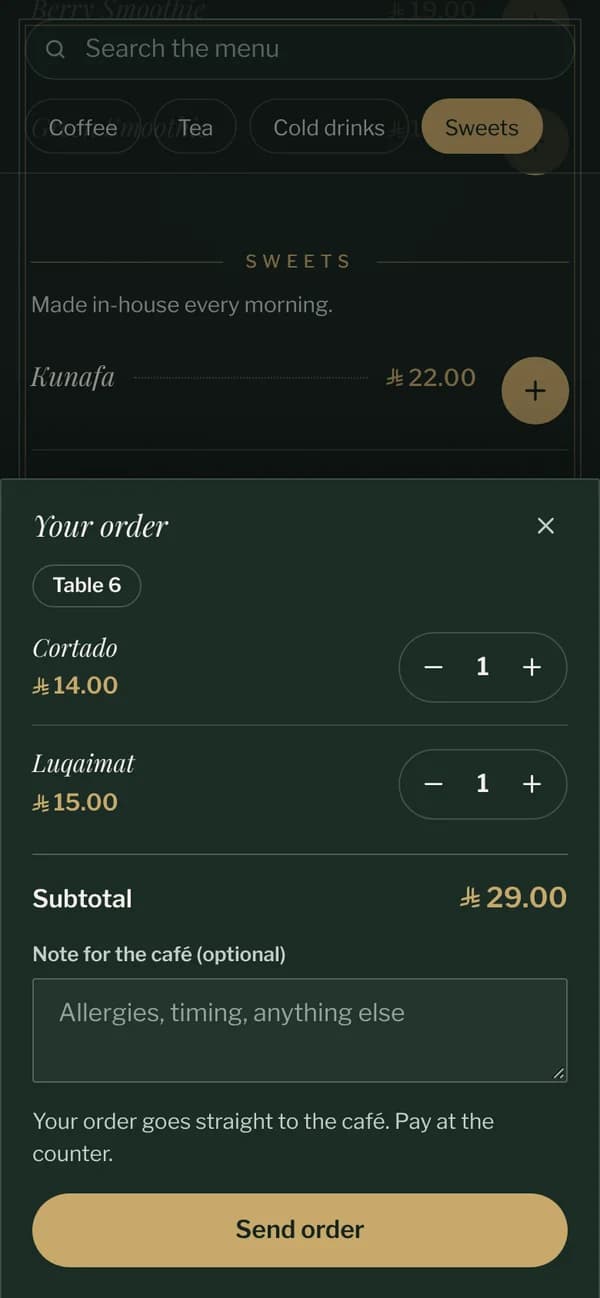
The cart knows the table. No name, no app. 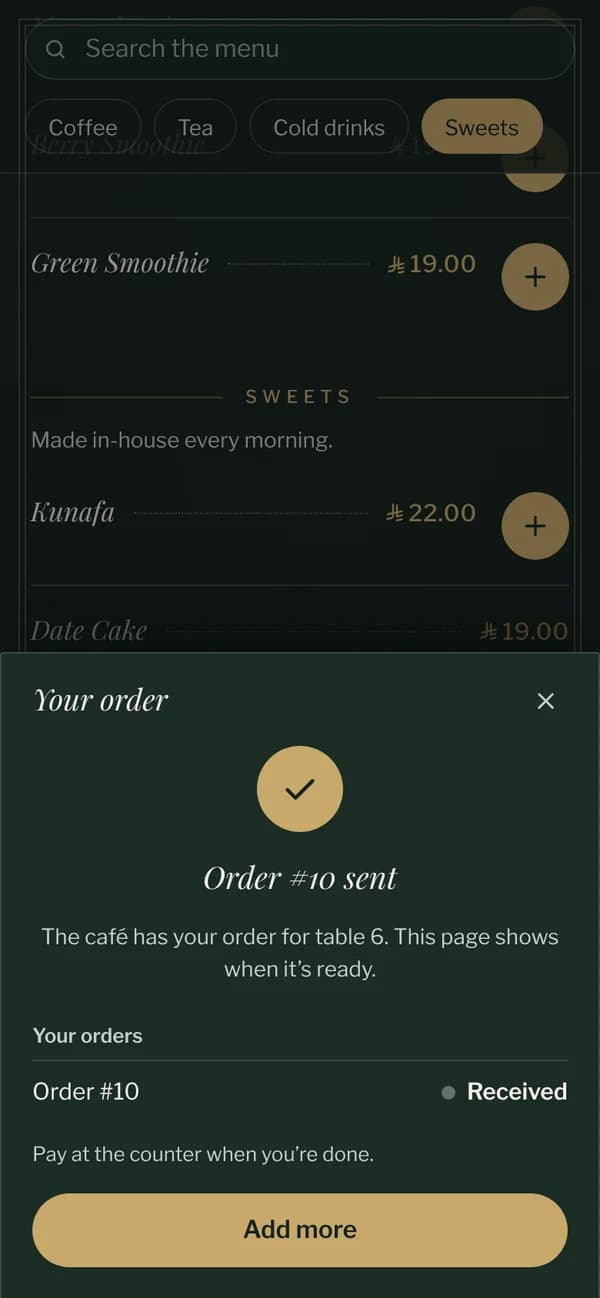
Sent, with the order's state and Add more.
One code per table, that can't be guessed
Each table's QR code carries a random code, not "table 5", so nobody can change the link to order for another table. Rename a table to Terrace 3 and the printed code keeps working. Print a ready-made table tent for each table, up to 200 of them.
What guests see
The same designed menu you show everywhere else, with an add button next to each price. The cart shows the table's name, so guests know where the order is going, and keeps their orders on their phone while they're at the table. When the bill is paid, the menu forgets them, so the next scan at that table starts fresh.
Everything a guest taps is in their language, Arabic or English, and looks like your menu, not like a payment page.
What happens on your side
Orders appear by themselves on the board in the POS, with a chime and the time they've been waiting. One tap moves each order on, and the guest's phone follows. Every table keeps one running bill until you close it with a printed receipt.
Prices are always taken from your menu on the server when an order arrives, so a changed price or a sold-out dish is never ordered at an old price.
Ordering from the table, or reading only
Table ordering is a switch. Leave it off, and the same codes simply show the menu while guests order with your staff. A code by the till, in your bio or on a flyer always opens the menu without a table, where pickup and delivery orders can go to your WhatsApp if you turn that on.
Why owners turn on table ordering
Orders arrive written out
Every dish, option and note on the board, with the table, so nothing is misheard.
No app for guests
A scan opens the menu in the browser. Nothing to install, no account to make.
Your menu, not a checkout
The cart is part of your design, in the menu's own colours and fonts.
Included in the plan
No extra fee and no commission on orders.
What it costs
Free for the first 14 days, with every design and no card needed. After that it's $12 a month or $99 a year for one venue's menu, with your link, QR codes and table tents included. Table ordering and the POS are included at no extra cost.
See pricingQuestions about table ordering
Do guests need an app or an account?
No. They scan the table's QR code and order in the browser. No name, phone number or sign-up is asked.
Can guests pay from their phone?
No. They pay at the counter, with cash or your card machine, and you print the receipt from the POS.
Can guests order more than once?
Yes. Each order goes to the board on its own and adds to the table's bill until it's paid.
Can someone order for a table they're not at?
Each table's code is random and checked against your tables, so the address can't simply be changed to another table number.
What if a dish runs out?
Mark it sold out from your phone and guests can't add it. Prices and availability are checked again when the order is sent.
Do I need to reprint my QR codes?
Yes, once: print the table tents from the POS so each table has its own code. Codes you printed before keep opening the menu.