

Ice cream menu maker: a gelato flavour board on a QR code
Flavours change daily and tubs run out by the evening. Put your flavour board on a QR code: each flavour with its scoop prices, sorbets in their own section, and today's sold-out flavours greyed out until tomorrow.
14 days free. No card needed.
From flavour board to QR code
- 1
Choose a template
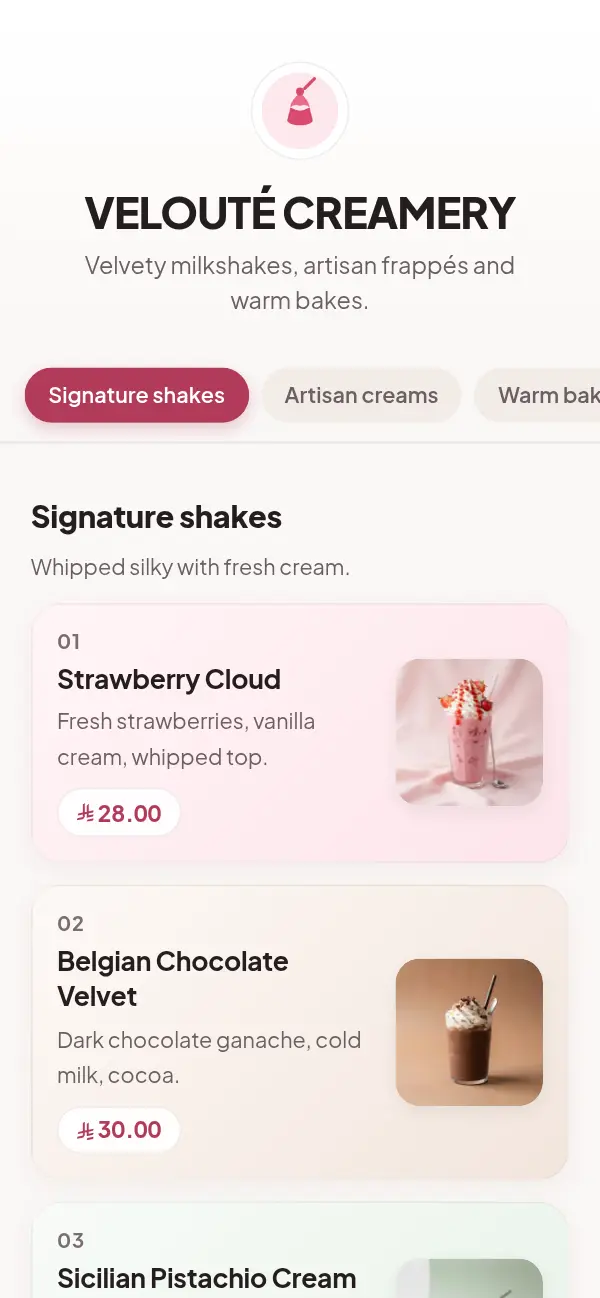
Velvet Cream (numbered cards in soft flavour tints) and Sugar Box (candy pink) suit ice cream best.
- 2
Add today's flavours
Each flavour with a few words and its prices for one, two or three scoops.
- 3
Add tubs and extras
Take-home tubs in sizes, sorbets as a dairy-free section, toppings in the section's description.
- 4
Put the QR code by the counter
On the glass, the counter and the window, so people choose while they queue.
No ice cream template yet, and why that's fine
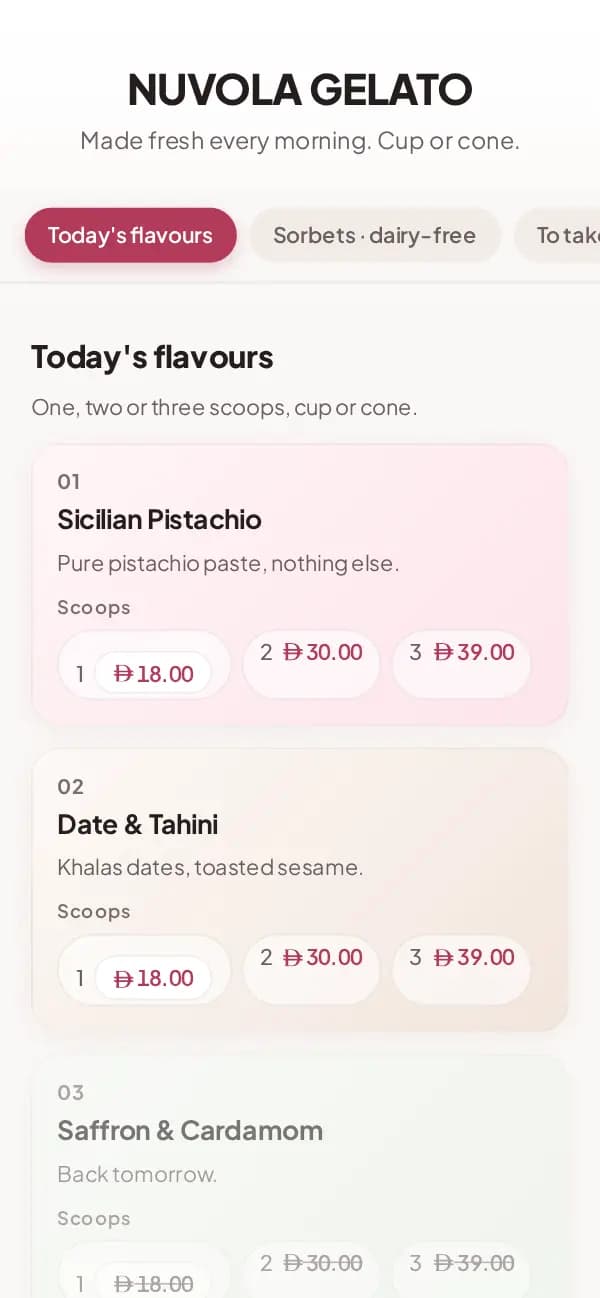
Craftel doesn't have a template made only for ice cream shops. The two closest were made for dessert bars: Velvet Cream, designed for a milkshake and soft-serve bar, sets each flavour on a numbered card in a soft tint, and Sugar Box puts desserts on white cards over candy pink. The mockup on this page is a gelato menu in Velvet Cream, without photos.
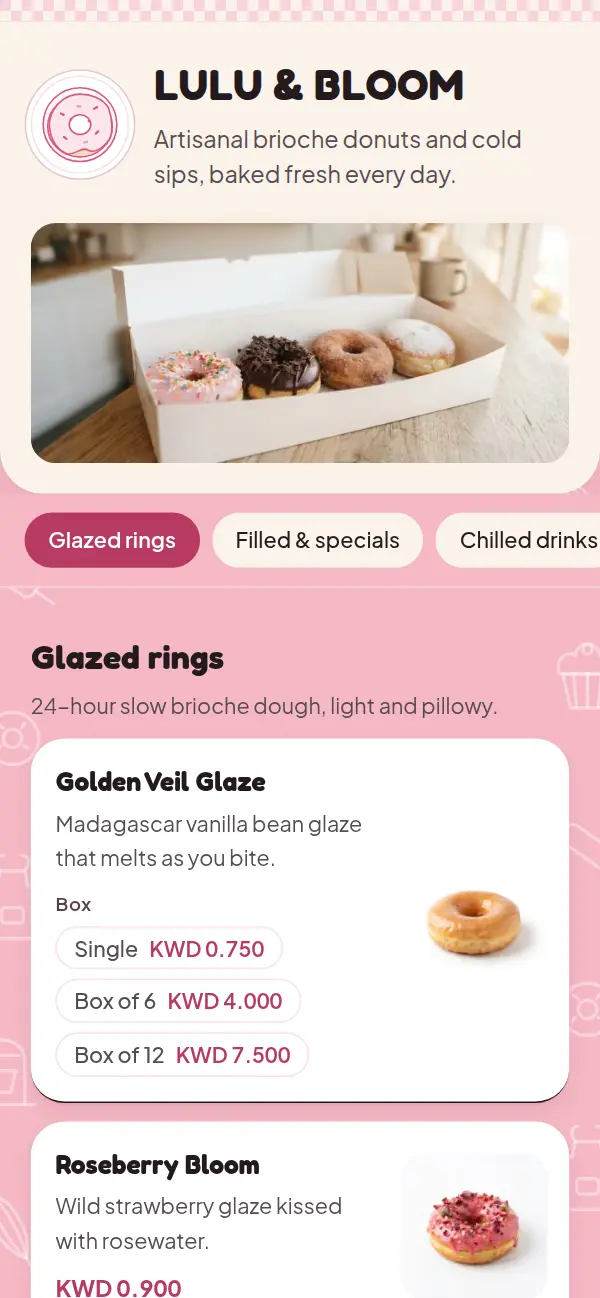
Both look finished without photos, which suits a flavour board: guests read names, not pictures of scoops. If you have good photos of your cups and cones, add them and the cards make room.
Scoops, cups, cones and tubs
Ice cream is sold by size more than by item. Each flavour can carry its own size prices, and shared extras go in the section's description:
- One, two or three scoops as options on every flavour, each with its price
- Cup or cone in the section's description, or as a second option group if the price differs
- Take-home tubs in 500 ml and 1 litre
- Sorbets in their own "dairy-free" section, so people who need it find them fast
A flavour board that changes every day
When a tub runs out, mark the flavour sold out from your phone; it stays on the board, greyed out, with "Back tomorrow" if you like. Seasonal flavours (mango in summer, saffron in Ramadan) can live in a section you show for the season and hide after. The QR code on the counter never changes.
Why ice cream shops use Craftel
Built for size prices
Scoops and tubs as options with a price each, not a cramped price grid.
Sold-out flavours, live
Grey out a flavour when the tub is empty, without deleting it.
Arabic and English, as equals
Pistachio and date-and-tahini named in both languages, Arabic in a proper Arabic typeface.
Your currency, written right
Dirhams, riyals or dinars with the right decimals and symbol, including the new riyal sign.
What it costs
Free for the first 14 days, with every template and no card needed. After that it's $12 a month or $99 a year for your shop's menu, with your link and QR codes included.
See pricingQuestions about ice cream and gelato menus
Is there an ice cream menu template?
Not one made only for ice cream. Velvet Cream and Sugar Box, made for dessert bars, suit gelato best, and any template can be used for any shop.
How do I show prices for one, two and three scoops?
Add scoops as an option on each flavour, with a price for each. Guests see the prices as small chips under the flavour.
Can I mark a flavour as sold out for the day?
Yes. It stays on the board, greyed out, until you mark it available again.
Can I add toppings and extras?
Yes. Write shared extras in the section's description ("Waffle cone +3"), or add them as their own items in an Extras section.
Do I need photos of every flavour?
No. The ice cream-friendly templates look finished with text alone, which suits a flavour board. Photos are optional.